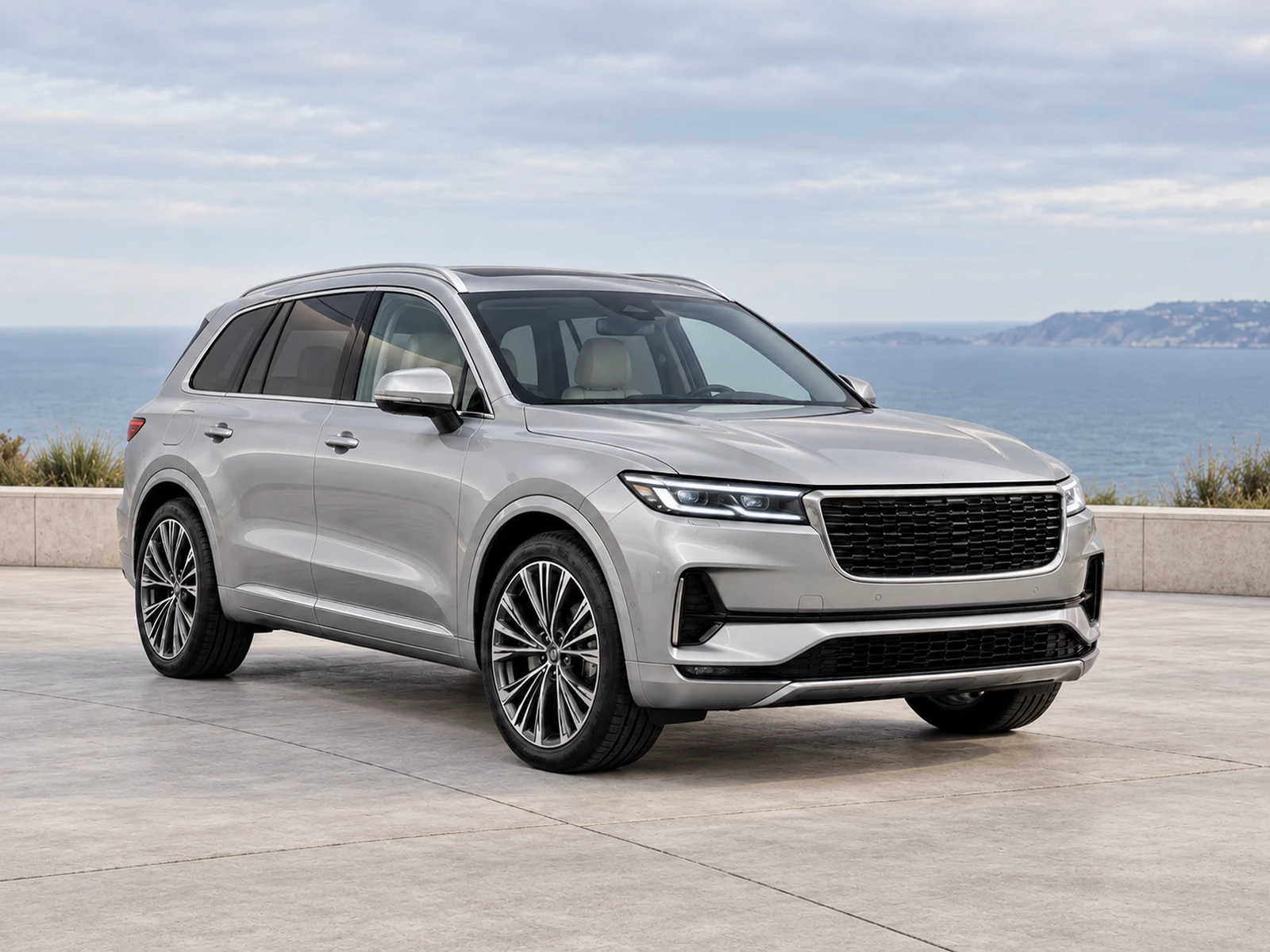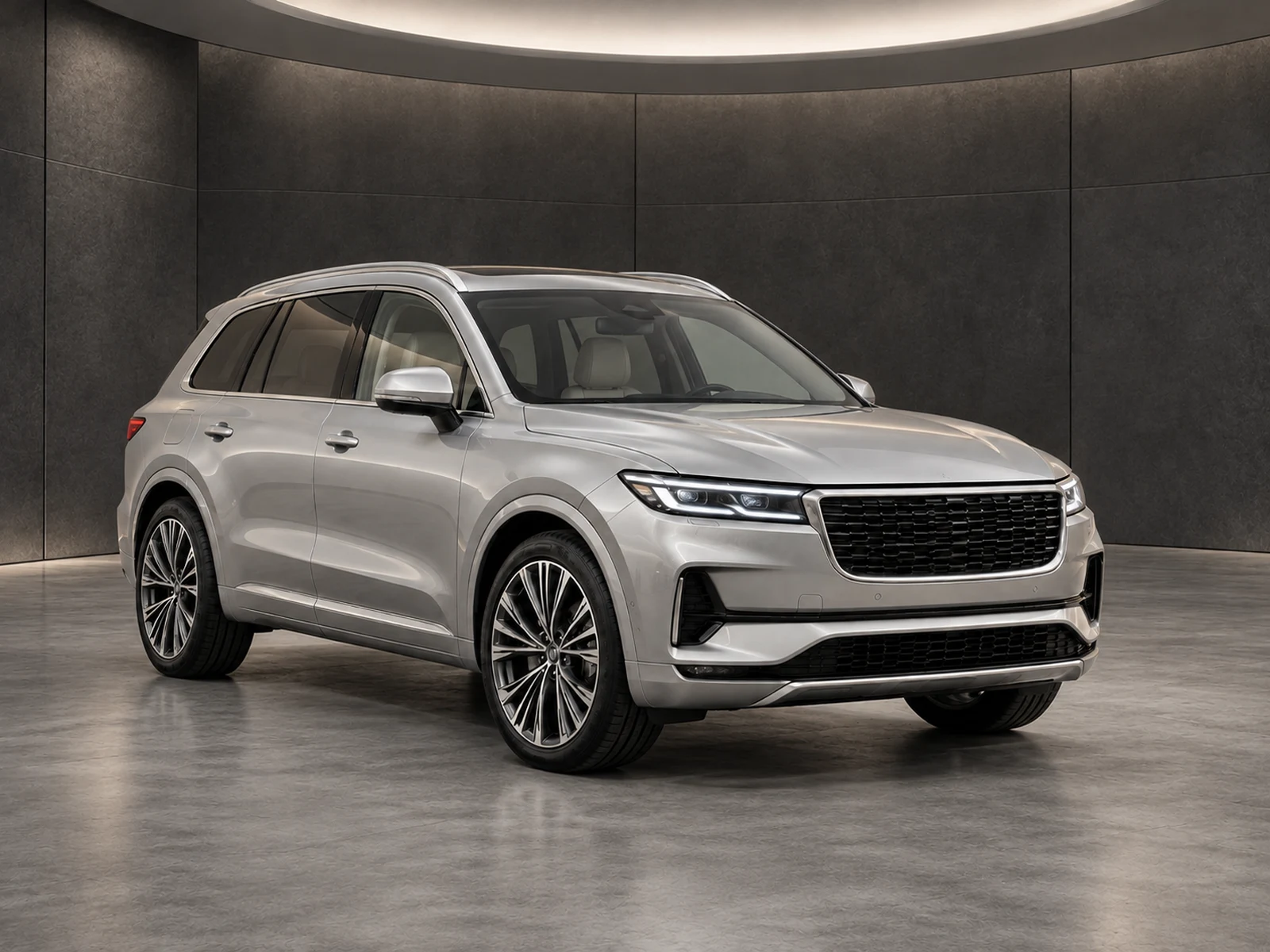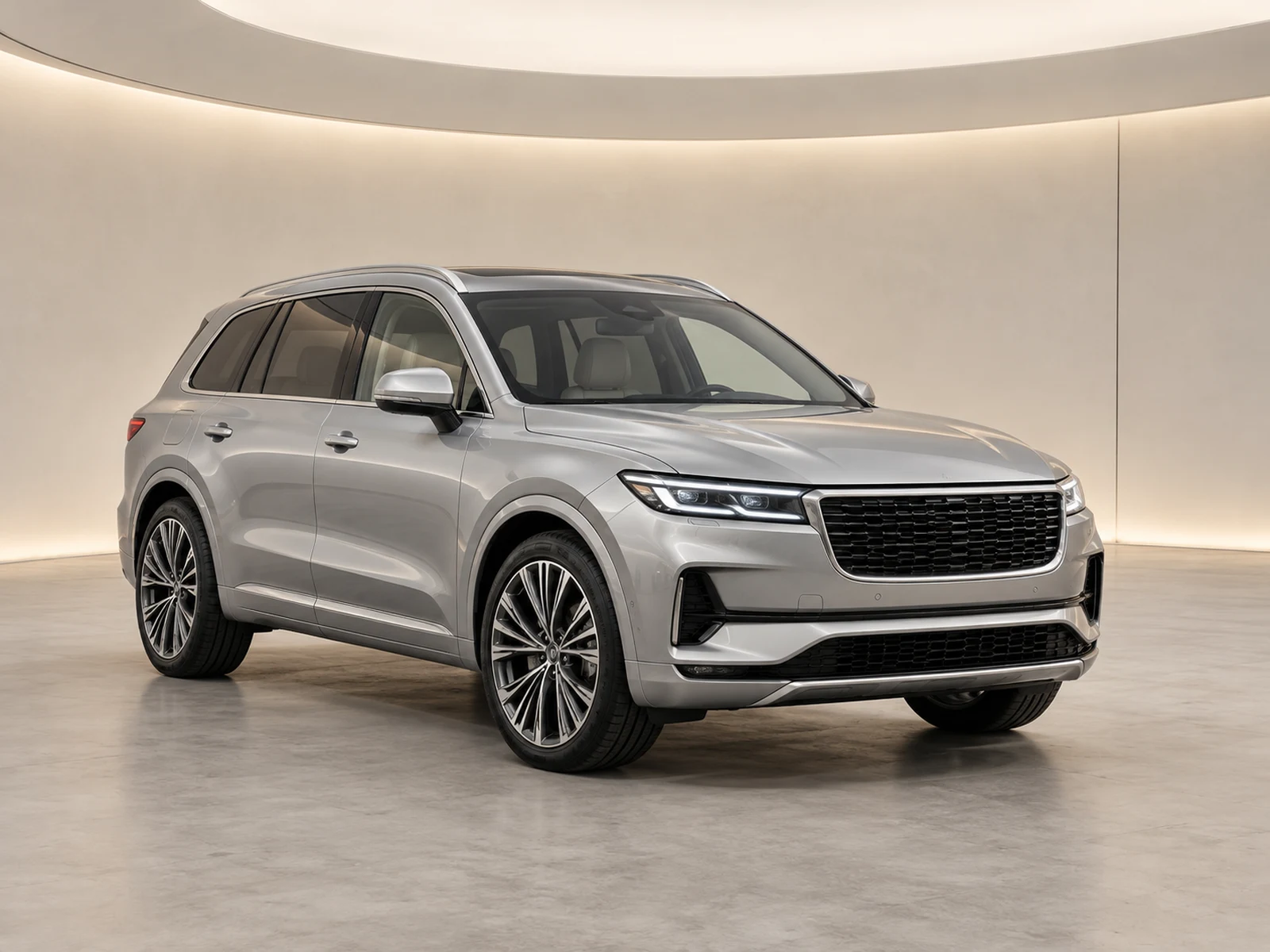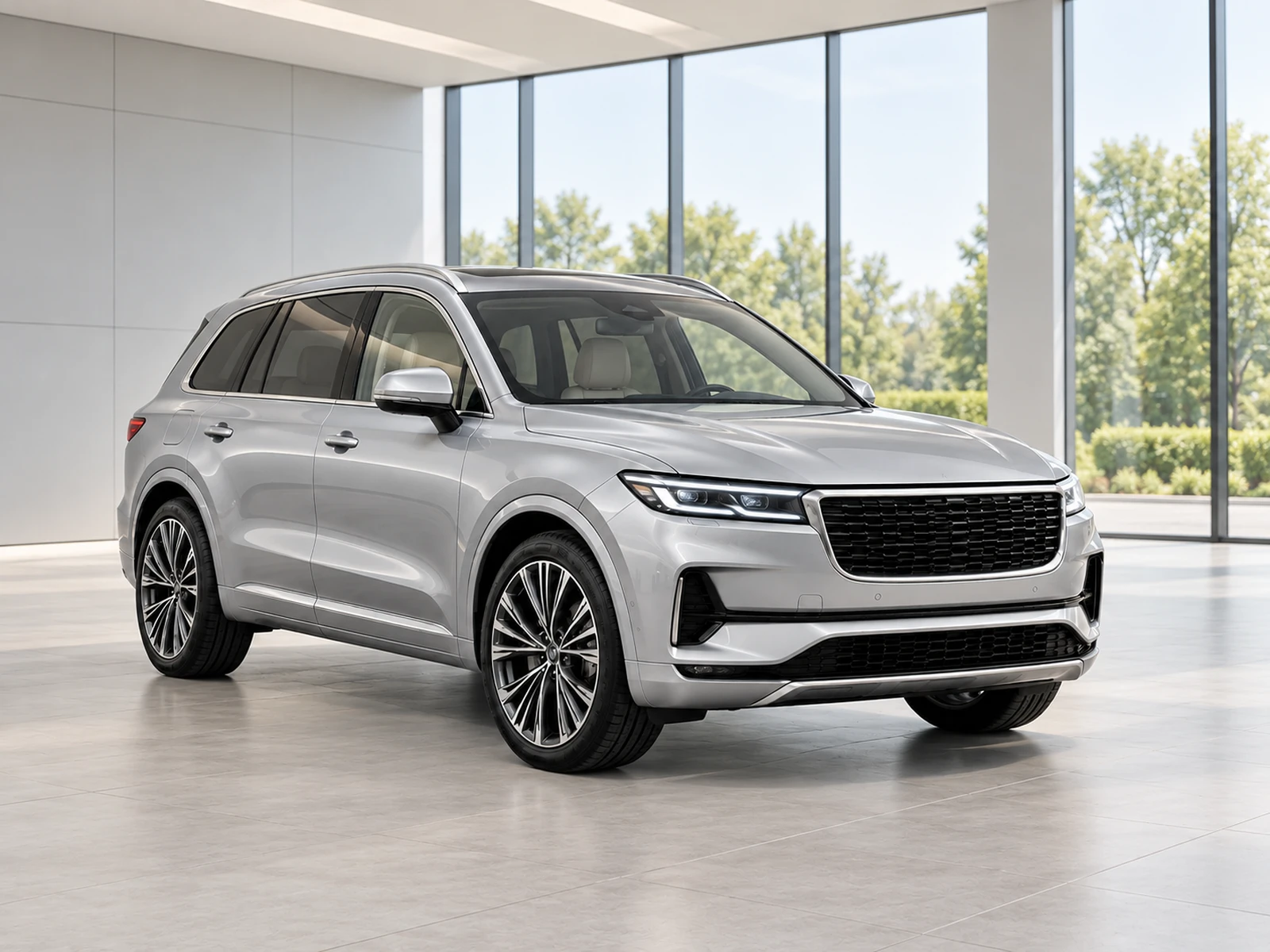
Consistency helps a stock gallery feel organised, but it should not make different vehicles look interchangeable. Standardise presentation while retaining the equipment and condition that distinguish each car.
Define a lead-image convention
Choose a repeatable main viewpoint and leave enough room for the body styles in your inventory. Keep orientation and viewing intention consistent where practical. A stock card should not jump between a tightly cropped wheel and a distant exterior just because upload order changed. Record the intended lead photo in the publishing handover and check it after the destination imports the set.
Use a restrained environment library
A small number of approved showrooms is easier to govern than a new background for every upload. Test defaults with contrasting paint colours and larger stock. Define exceptions by business need, such as a commercial-vehicle bay, rather than personal preference. A consistent setting reduces visual noise without requiring every body style to occupy exactly the same number of pixels.
Keep branding and framing related
Save the logo corner, finish and framing choices alongside the background. Check whether those choices still work in the website’s real card layout. If the site crops tightly, leave safer margins in capture and avoid a logo position that falls under interface controls. Review mobile and desktop instead of treating the full-size source as the final customer experience.
Audit the gallery as a collection
Look at a page containing several listings, not just one finished image. Check for outlier colour casts, inconsistent lead views, oversized logos and missing rear or cabin photographs. Keep specification and condition checks attached to individual vehicles. The gallery audit should improve presentation without encouraging the team to hide meaningful differences in wear or equipment.
Your dealer checklist.
- Set a clear lead-view convention.
- Use a small, approved showroom library.
- Save framing and logo preferences together.
- Test mobile and desktop cards.
- Review several listings as a collection.
Common questions.
Should all vehicles appear exactly the same size?
Not necessarily. Preserve natural proportions and comfortable margins rather than distorting vehicles to match a rigid silhouette.
Can consistency replace an individual quality check?
No. A uniform gallery can still contain an inaccurate wheel, badge or condition detail. Review each vehicle against its original photographs.
Put the next vehicle in a better setting.
Explore MotorBackdrop’s showrooms, prepare one sample and review your vehicle’s details before finishing the set.
Explore your next photo shoot ↗