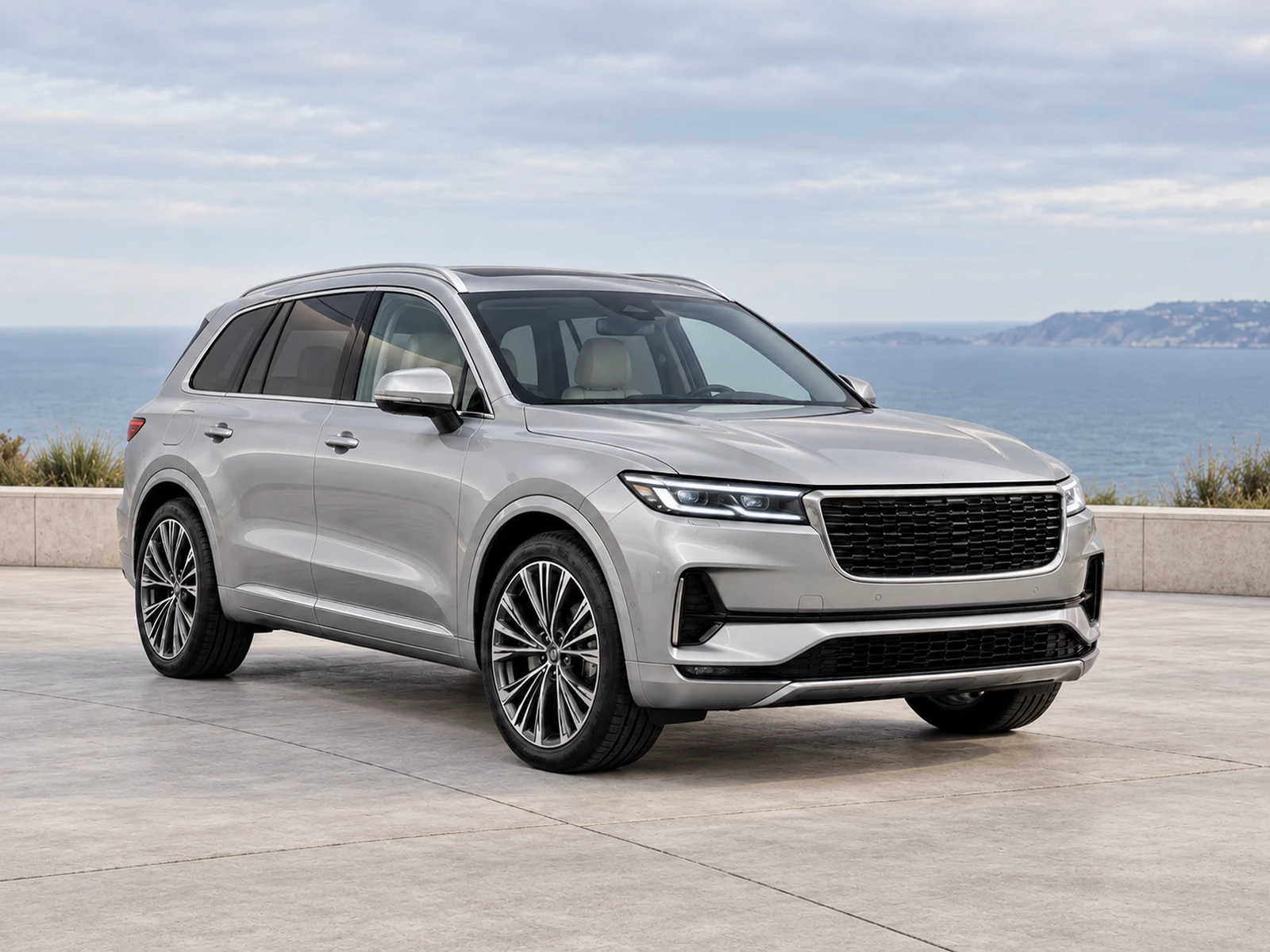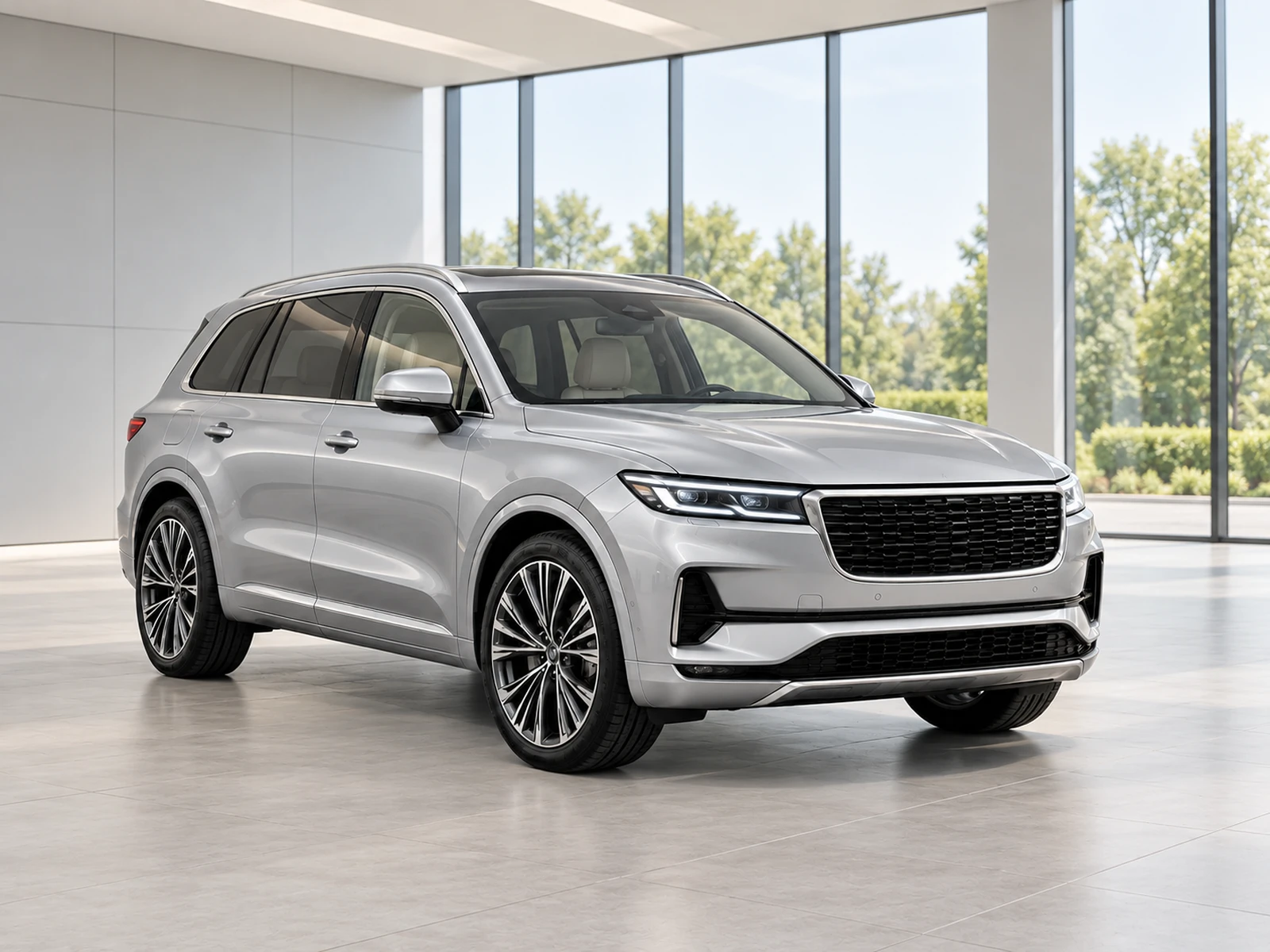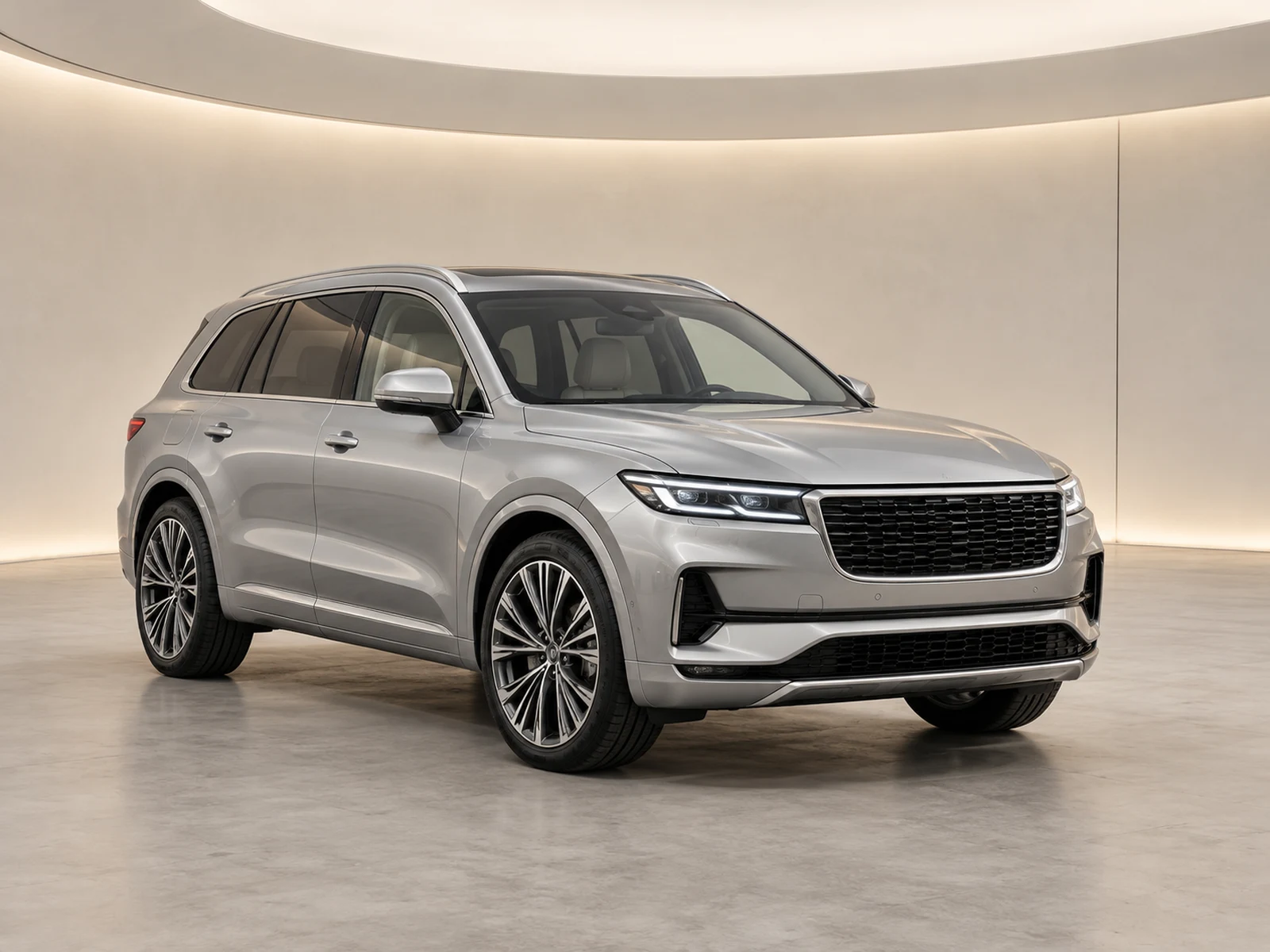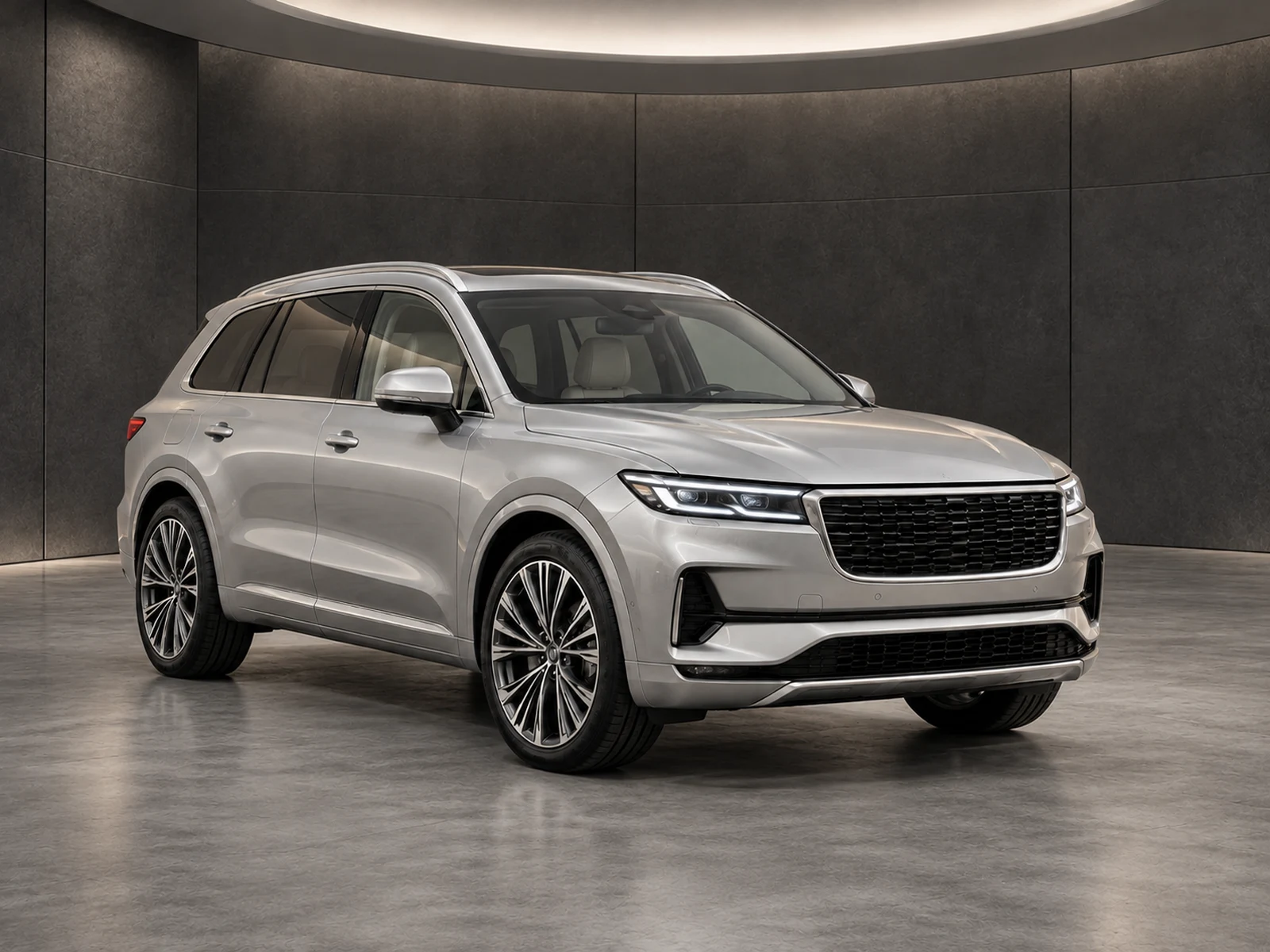
Plate branding needs precise placement because it sits directly on the vehicle. Use the edited photograph as the placement reference and check the complete result before it enters a listing.
Make plate presentation an explicit choice
Decide whether a listing needs dealer text, a plain plate presentation or the photographed plate left visible. Apply that decision consistently with your organisation’s publishing policy. Do not let a general background prompt guess the text or plate location. Keep the original image available so the reviewer can distinguish a deliberate presentation overlay from an unintended change to the vehicle.
Select the area on the finished image
Position the overlay against the edited result, where the plate actually appears after framing. Use a small box confined to the intended area and inspect its edges. A box estimated from the original may not align with a differently presented output. Avoid covering adjacent grille, bumper sensors, badges or other equipment in an attempt to hide a placement error.
Keep text short and readable
Use a concise dealer identifier that remains legible within the plate area. Long text encourages an oversized overlay or cramped lettering. Check the result at full resolution and thumbnail size. A simple plain presentation can be more useful than forcing a complete slogan into a small area, especially on an oblique view with limited visible plate space.
Review every angle independently
Front and rear plates differ in position, scale and the surrounding bodywork visible to the camera. Do not reuse one set of placement coordinates across an entire vehicle set. Inspect each branded output before approval and recheck the exported format. Keep the ability to remove or adjust the overlay rather than treating the first box as permanent evidence.
Your dealer checklist.
- Choose plate presentation deliberately.
- Place the box on the edited image.
- Keep the overlay clear of neighbouring equipment.
- Use short, readable text.
- Check front and rear views separately.
Common questions.
Does MotorBackdrop detect the plate automatically?
No. You position the overlay explicitly, then review the preview and downloads.
Will the overlay alter the stored original?
The original remains available separately. Plate presentation is applied to the generated image preview and download, using the saved placement.
Put the next vehicle in a better setting.
Explore MotorBackdrop’s showrooms, prepare one sample and review your vehicle’s details before finishing the set.
Explore your next photo shoot ↗