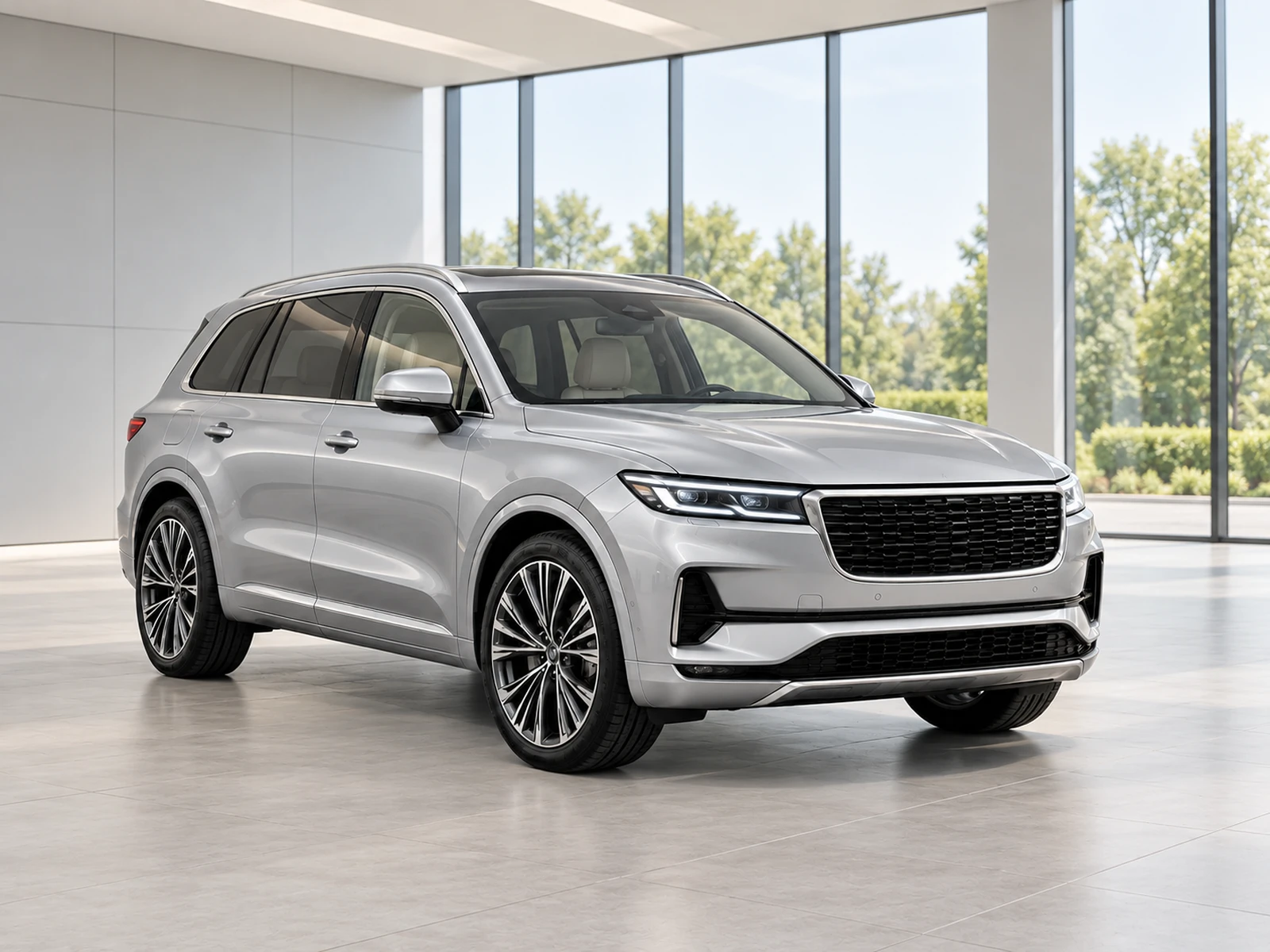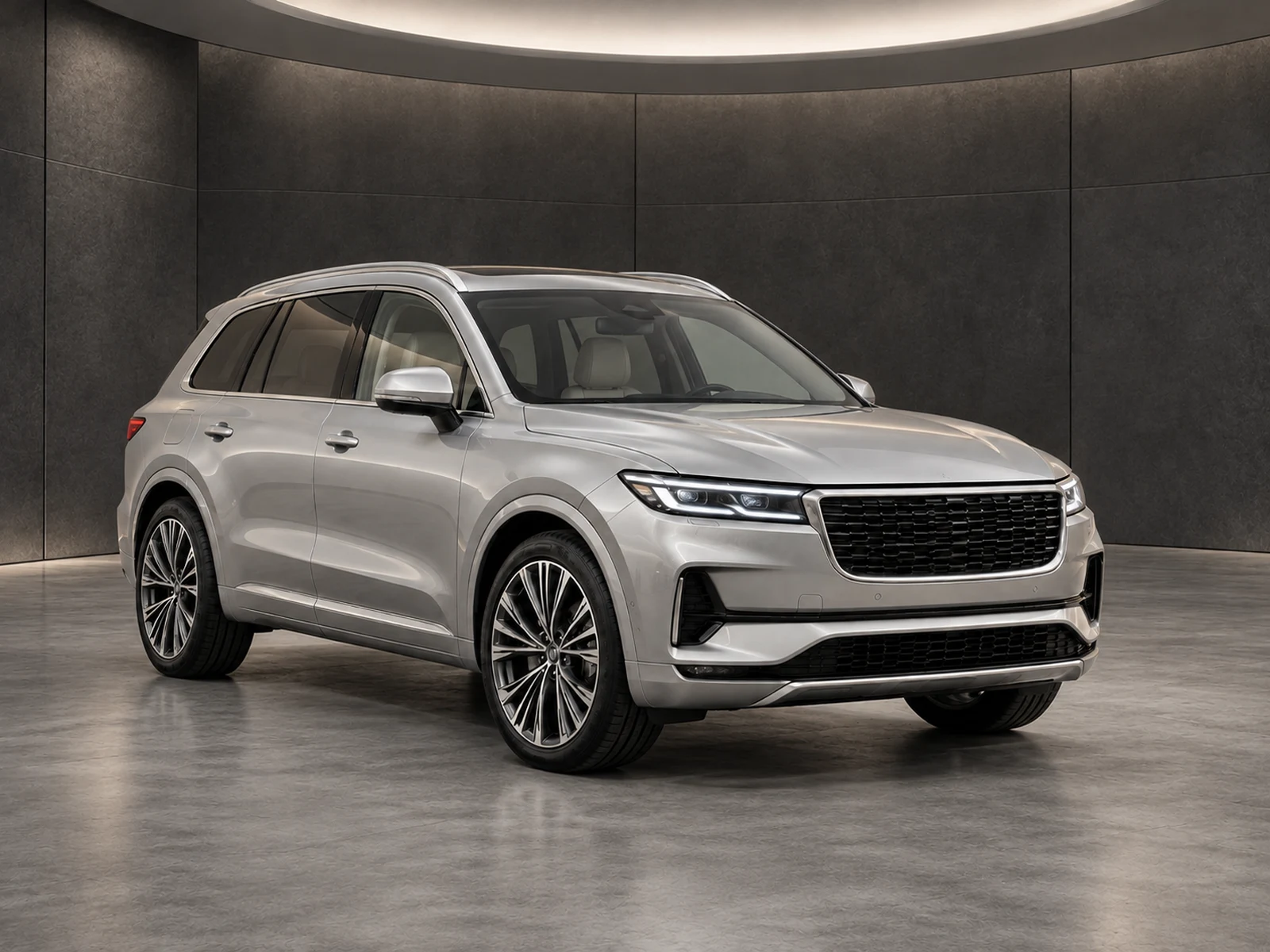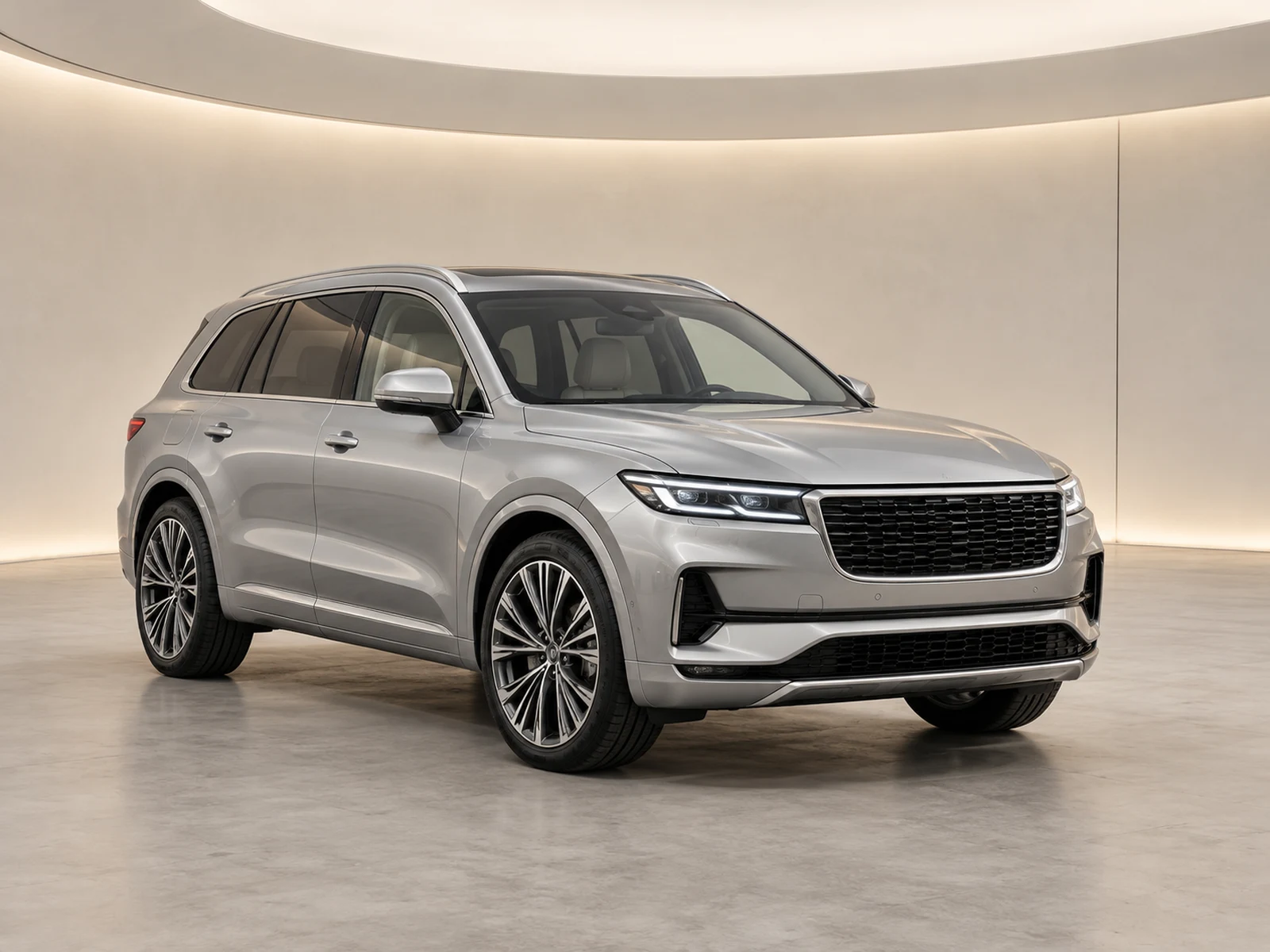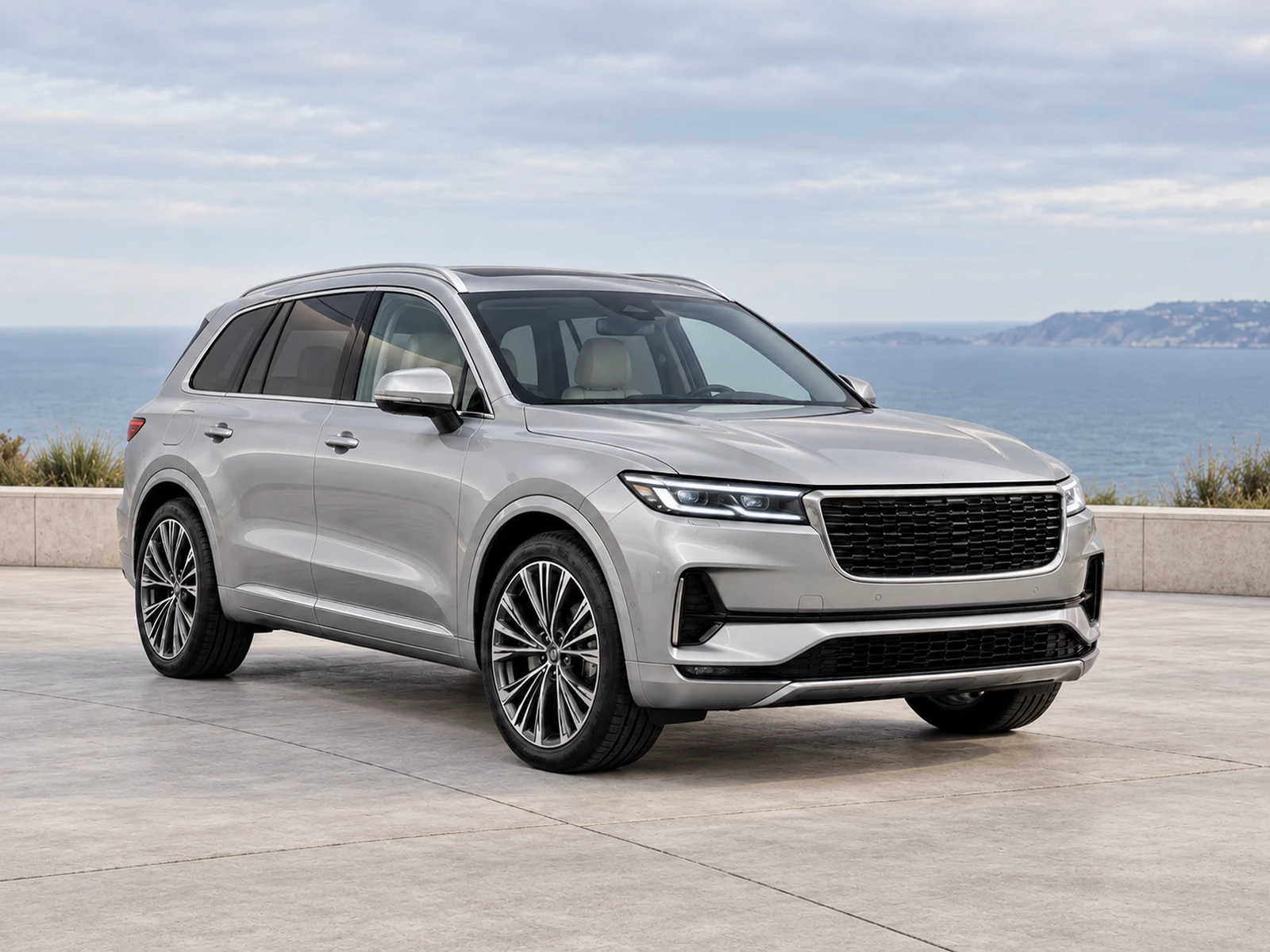
A sales listing and a social campaign may use the same source photograph, but they have different presentation constraints. Keep the vehicle evidence intact while preparing deliberate formats for each destination.
Begin with the accurate listing photograph
Use a clear source and a reviewed result that preserve equipment, body shape, paint and visible condition. The campaign image should be traceable to that vehicle rather than become a detached promotional illustration. Keep the original and approved listing version available. This gives the team a reference when comparing a square or widescreen presentation with the main stock gallery.
Adapt the canvas before cropping the car
A destination’s aspect ratio may differ from your source. Check whether adding neutral space around the photograph can preserve the whole vehicle more effectively than cropping it tightly. Keep mirrors, bumpers and roof equipment visible where the image is meant to show the complete car. Inspect the final exported file rather than assuming the format label guarantees suitable framing.
Treat branding as a layout decision
A logo that works in a wide website gallery may crowd a square campaign image. Check the mark against platform interface areas and any additional text applied by your publishing workflow. Do not cover specification or condition details to make a campaign layout fit. Use a separate presentation where necessary and name it clearly in the handover.
Review each published destination
Open the actual website card and social post preview on mobile as well as desktop. Automatic crops and compression may change the result after upload. Check vehicle identity, text legibility and whether the intended lead image was used. Keep campaign assets grouped by stock reference so an old promotion does not become the wrong vehicle’s listing photo later.
Your dealer checklist.
- Start from a reviewed, accurate vehicle image.
- Preserve the whole car when changing canvas shape.
- Check logos in every output format.
- Name campaign and listing versions distinctly.
- Inspect the destination preview before release.
Common questions.
Does a square export have to crop the vehicle?
No. A padded presentation can change the canvas shape while retaining the complete photograph. Check the result against the destination layout.
Can a campaign use stronger styling?
You can choose a distinct presentation, but it should still represent the actual vehicle accurately and preserve the source evidence needed for review.
Put the next vehicle in a better setting.
Explore MotorBackdrop’s showrooms, prepare one sample and review your vehicle’s details before finishing the set.
Explore your next photo shoot ↗