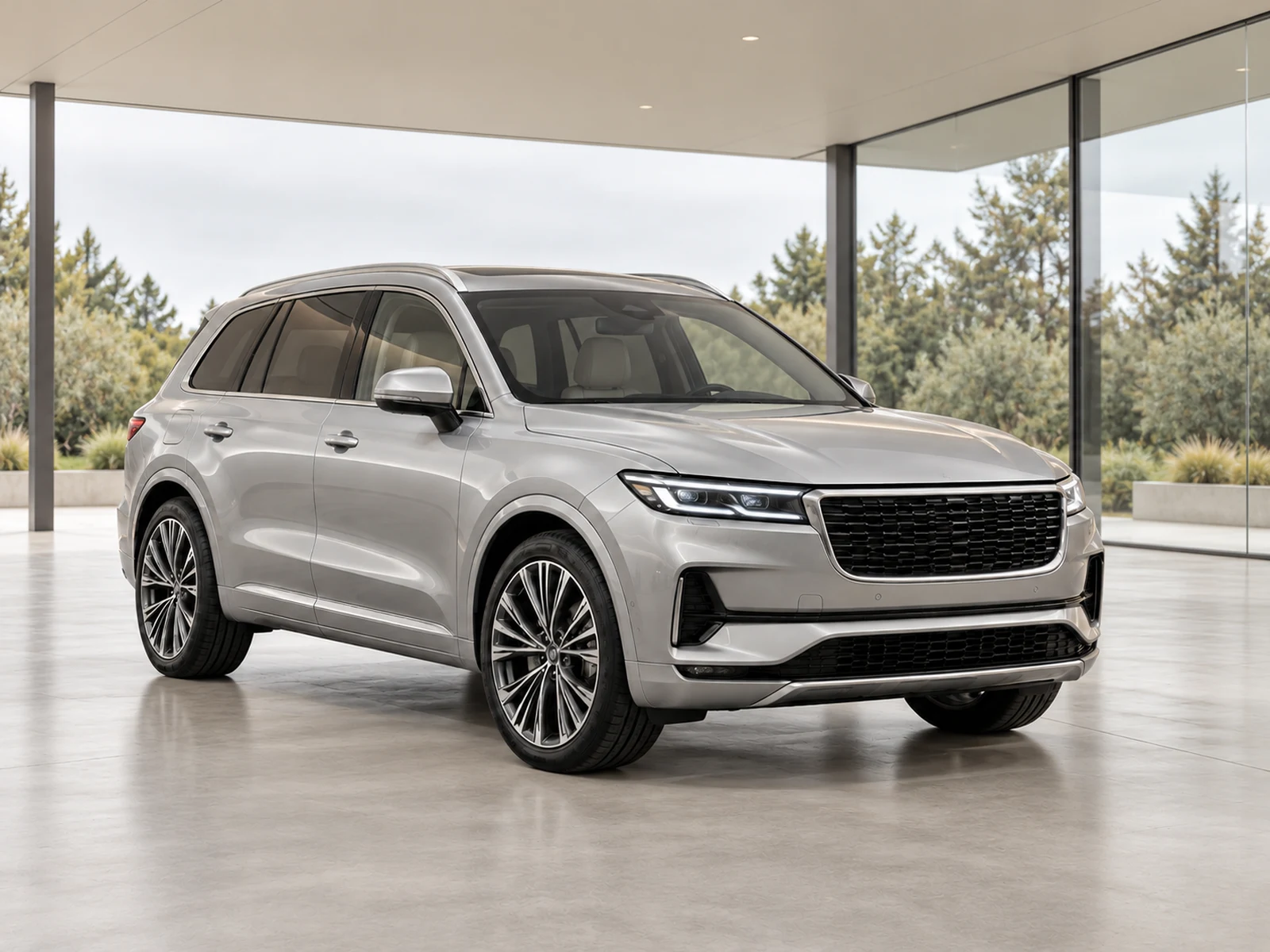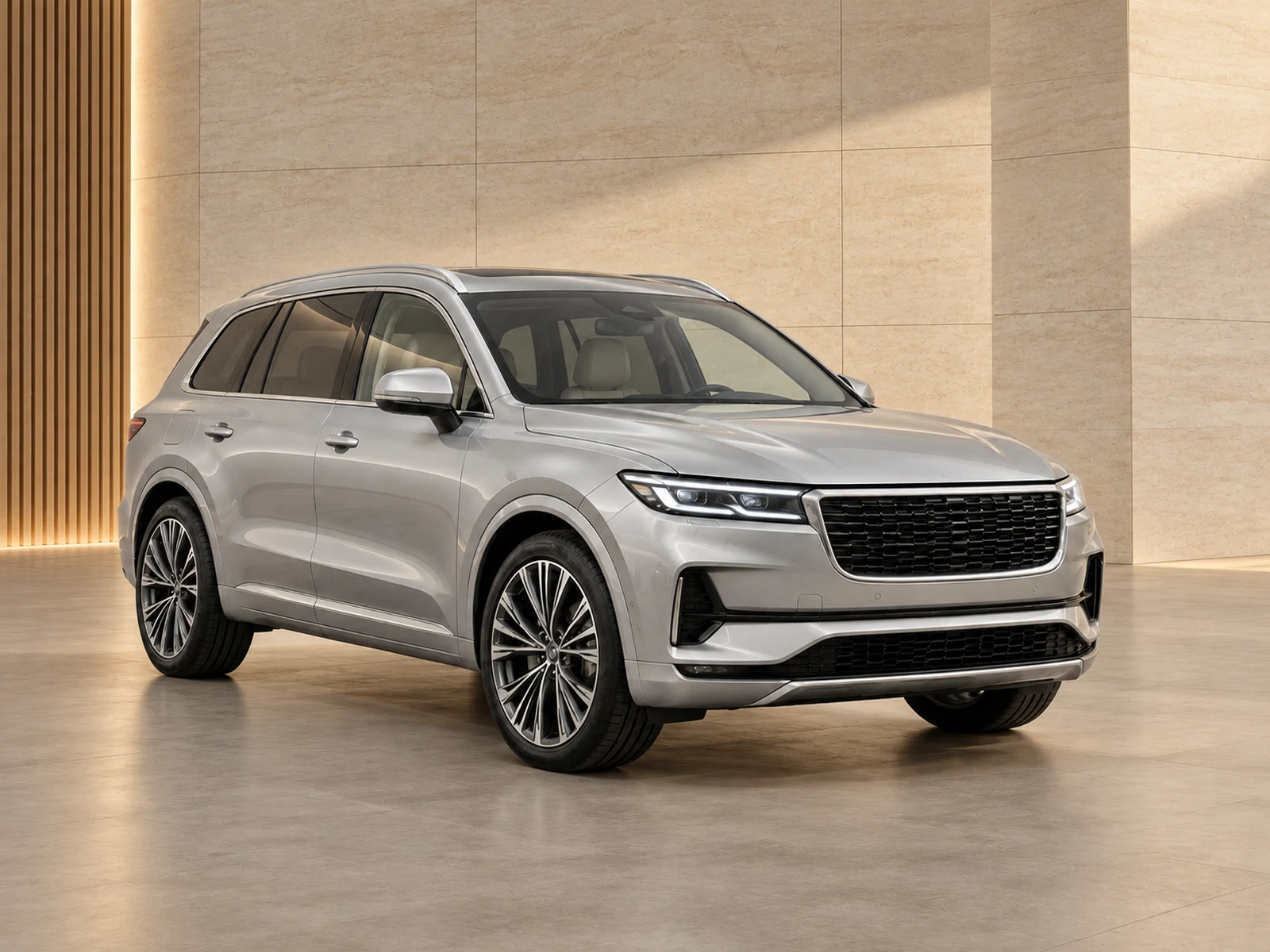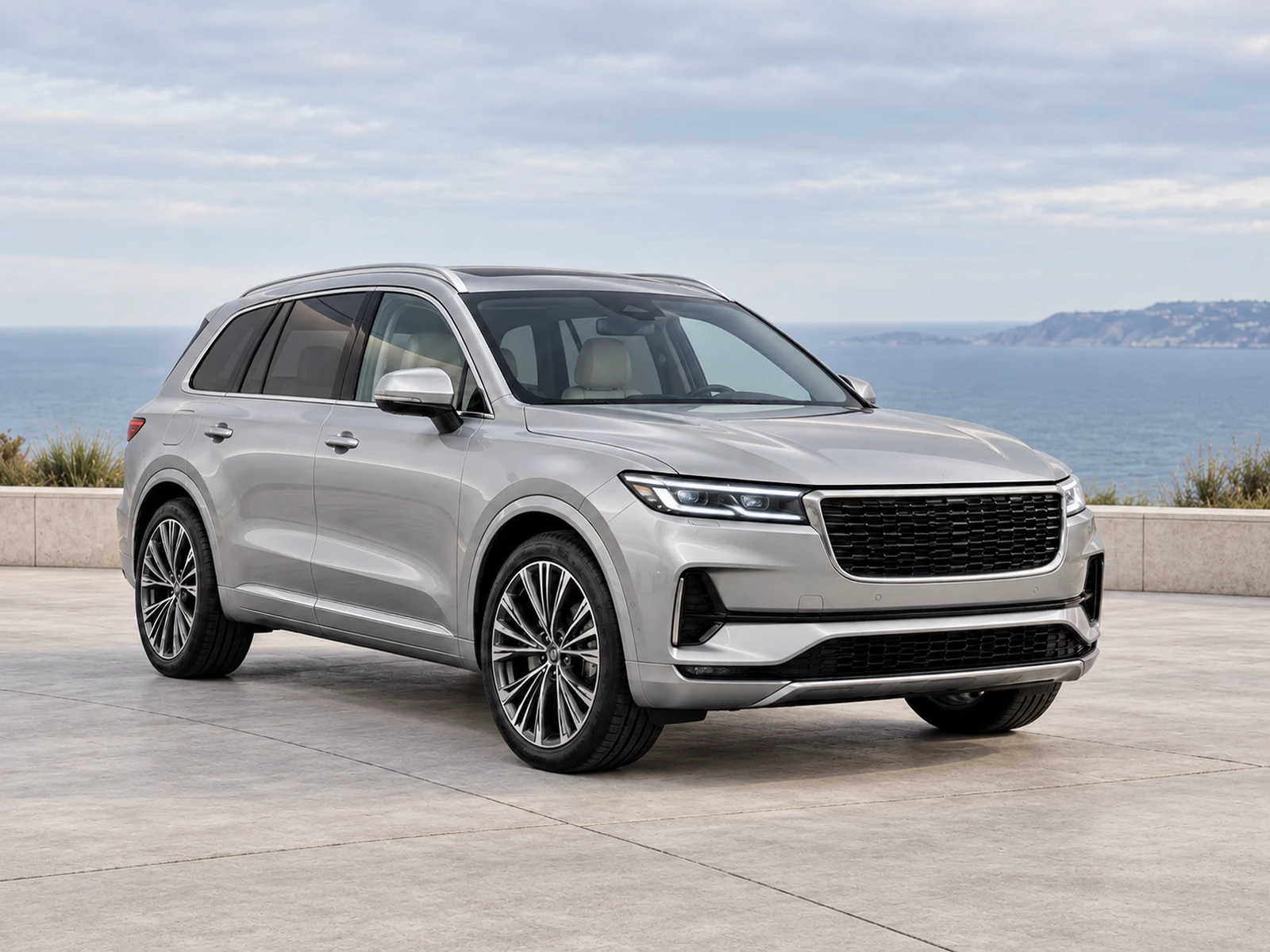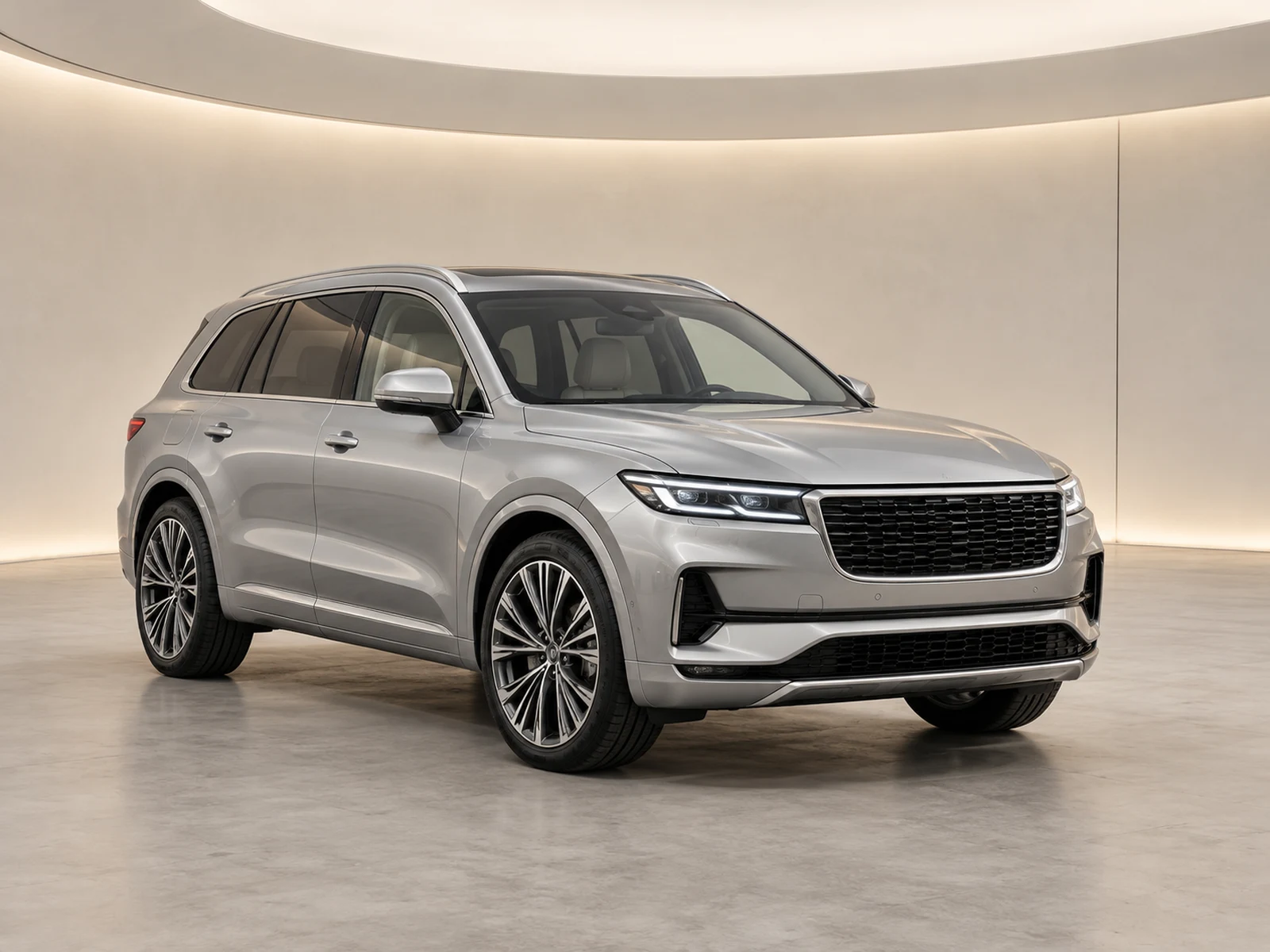
A phone is useful in a dealer photo bay when the capture settings stay predictable. Prioritise a clear, complete source over effects that make one image dramatic but difficult to compare with the rest.
Start with a clean lens and a stable position
Wipe the lens before the first vehicle and check it again after handling the phone around a dusty forecourt. Use two hands and pause before the shutter, especially inside a darker cabin. A small smear can reduce contrast across an entire set while looking like a lighting problem. Inspect the first image at full size rather than assuming the phone screen’s thumbnail proves sharpness.
Use the main camera before the widest lens
The widest camera can make nearby body panels and wheels appear exaggerated. Start with the main camera and move far enough back to include the complete vehicle. If you need a wider view for a cabin, keep the phone level and watch the edges for stretching. Avoid digital zoom as a substitute for walking closer to a detail you can safely photograph directly.
Keep automated effects under control
Portrait blur, strong filters and aggressive scene effects are rarely useful as the default for stock evidence. Check whether the camera is changing colour or exposure between similar views. Use neutral settings and adjust your position when highlights or shadows become difficult. An editor has a better starting point when the source contains readable information rather than a baked-in visual effect.
Review the actual files before upload
Check mirrors, wheel spokes, small badges and bright paint edges in the saved image. Make sure the phone did not choose a low-resolution transfer copy or an unexpected moving-photo format. Export a supported still image and preserve the original file. If your team uses several phone models, compare results in the same photo bay before assuming their default settings are equivalent.
Your dealer checklist.
- Clean the lens at the start of each session.
- Use the main camera and step back for overall views.
- Avoid portrait blur and strong capture filters.
- Inspect a saved image at full resolution.
- Keep a supported, full-quality still original.
Common questions.
Do I need to use a manual camera app?
Not necessarily. A standard camera can work well when its settings, lighting and position are consistent. Test the saved files rather than relying on an app label.
Can editing fix every soft phone image?
No. If a badge, wheel or control is unreadable in the original, retaking it is safer than accepting reconstructed detail.
Put the next vehicle in a better setting.
Explore MotorBackdrop’s showrooms, prepare one sample and review your vehicle’s details before finishing the set.
Explore your next photo shoot ↗