You do not need a photography department to set a useful standard. Start with the vehicles you already photograph and build a straightforward routine for clean, consistent listings.
Independent accountsNo stock-system migrationPay with photo credits
01
Use the photographs you already take.
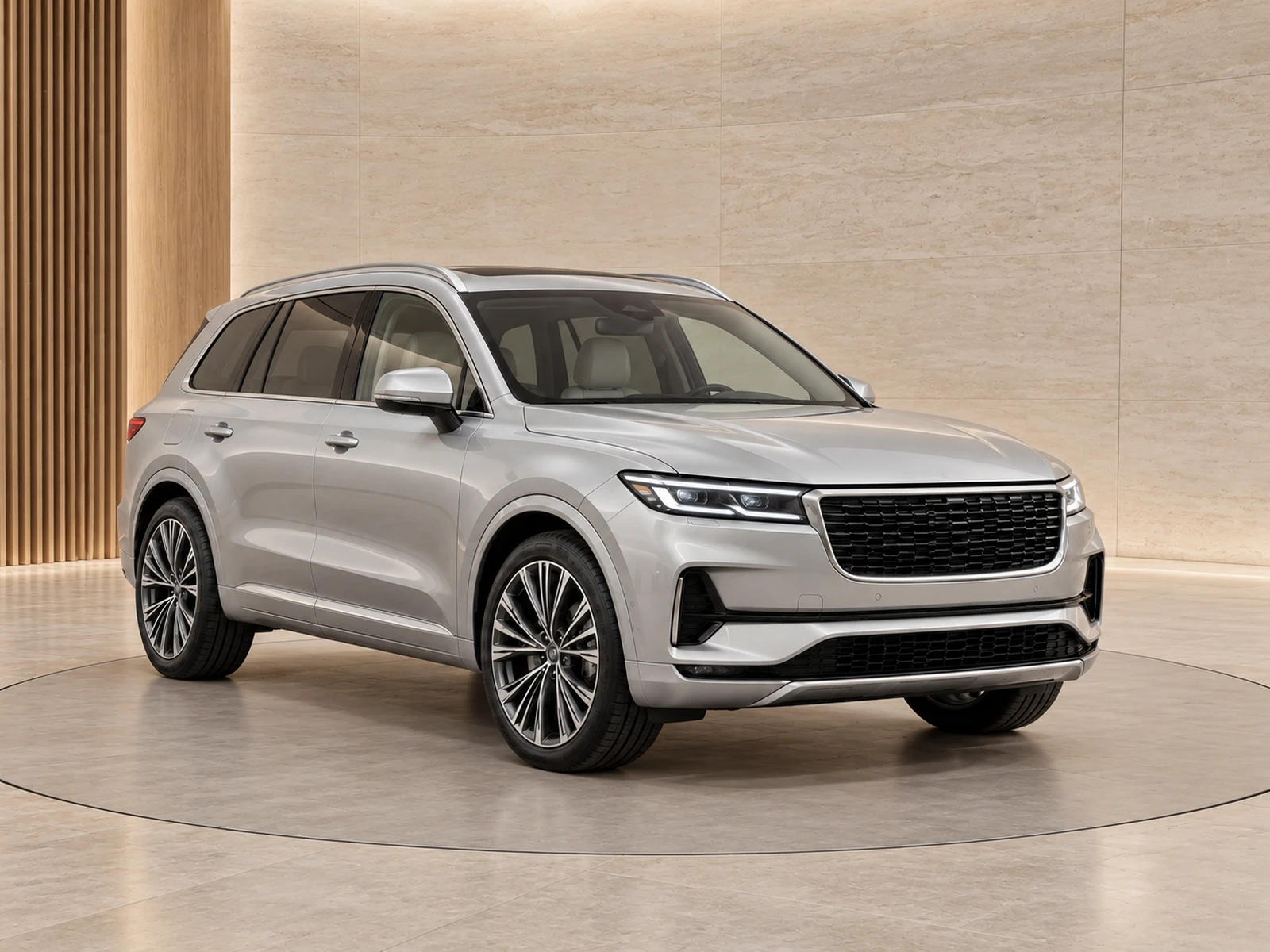
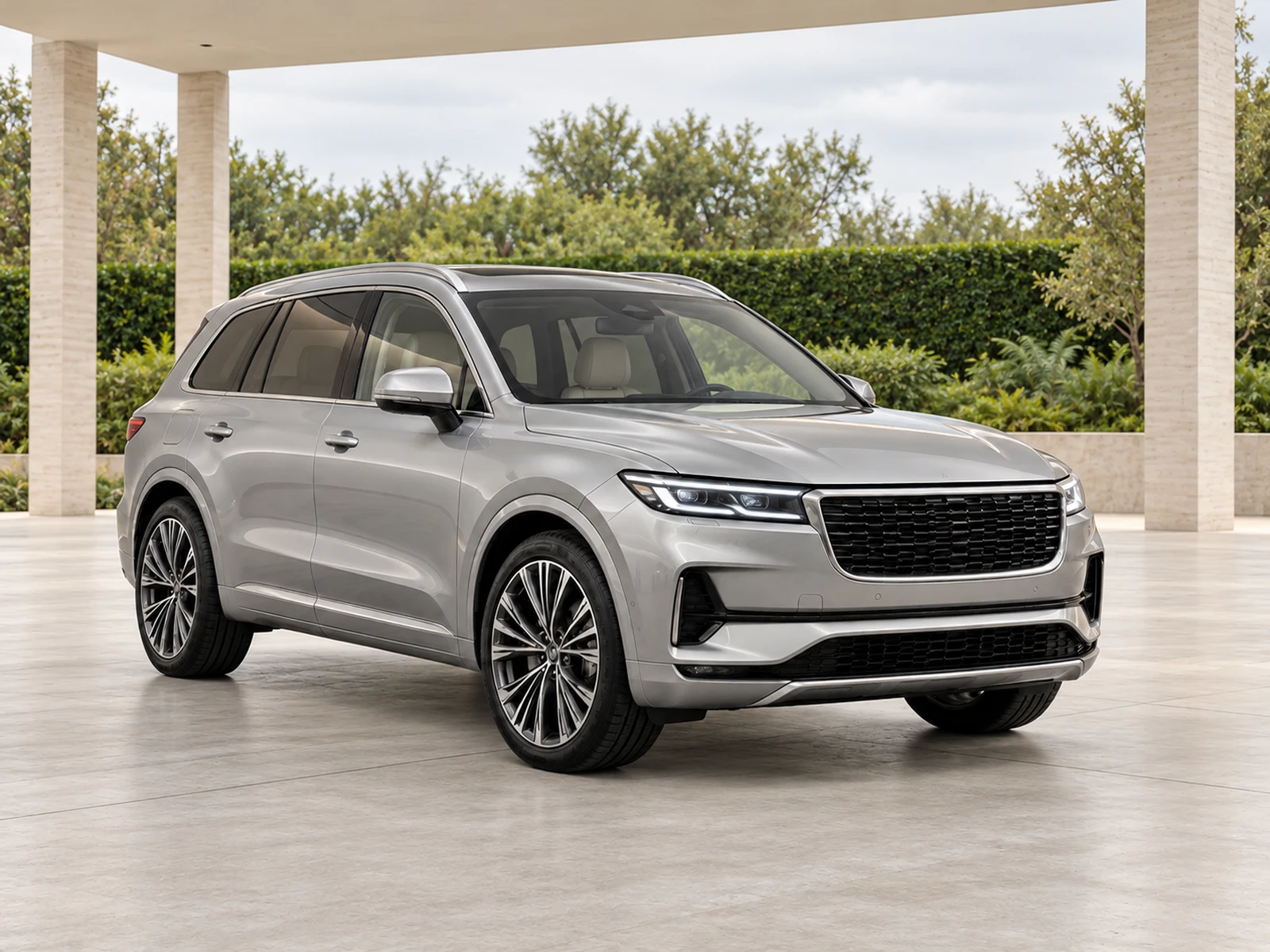
MotorBackdrop accepts clear vehicle uploads without requiring a TraderWay website or a particular stock feed. Create one project, choose a showroom and evaluate one sample from your own vehicle.
A phone can produce a useful source when light, distance and framing are controlled. Spend time on capture basics before paying to process a photograph with clipped bodywork or hidden detail.
02
Choose fewer, better defaults.
A small team benefits from a default style that works across its usual stock. Save that background and branding configuration, then use exceptions only when the vehicle genuinely needs them.
Keep logos readable and backgrounds understated. Consistency makes the stock gallery easier to browse; the buyer should still be able to compare the individual vehicles and their condition.
03
Spend with a clear review step.
Generate a sample first and inspect it before preparing the remaining photos. Track the credit history and purchases in the organisation’s billing area rather than estimating usage from the size of a download folder.
Download approved images for your existing sales channels. Review the finished listing so a portal’s crop or image ordering does not undo the work you put into the photo set.
WORK IT INTO YOUR DAY
From your camera roll to a reviewed photo set.
Pick a representative vehicle from your usual stock.
Upload a complete, clear set and try one showroom sample.
Save the style only after checking vehicle fidelity.
Repeat the routine and review credit usage alongside finished projects.
BEFORE YOUR FIRST SET
Your questions, answered.
Is there a recurring plan requirement?
The current photo-credit checkout is for one-time packs. Review the pack and final Checkout total before purchase.
Can I keep an outdoor look?
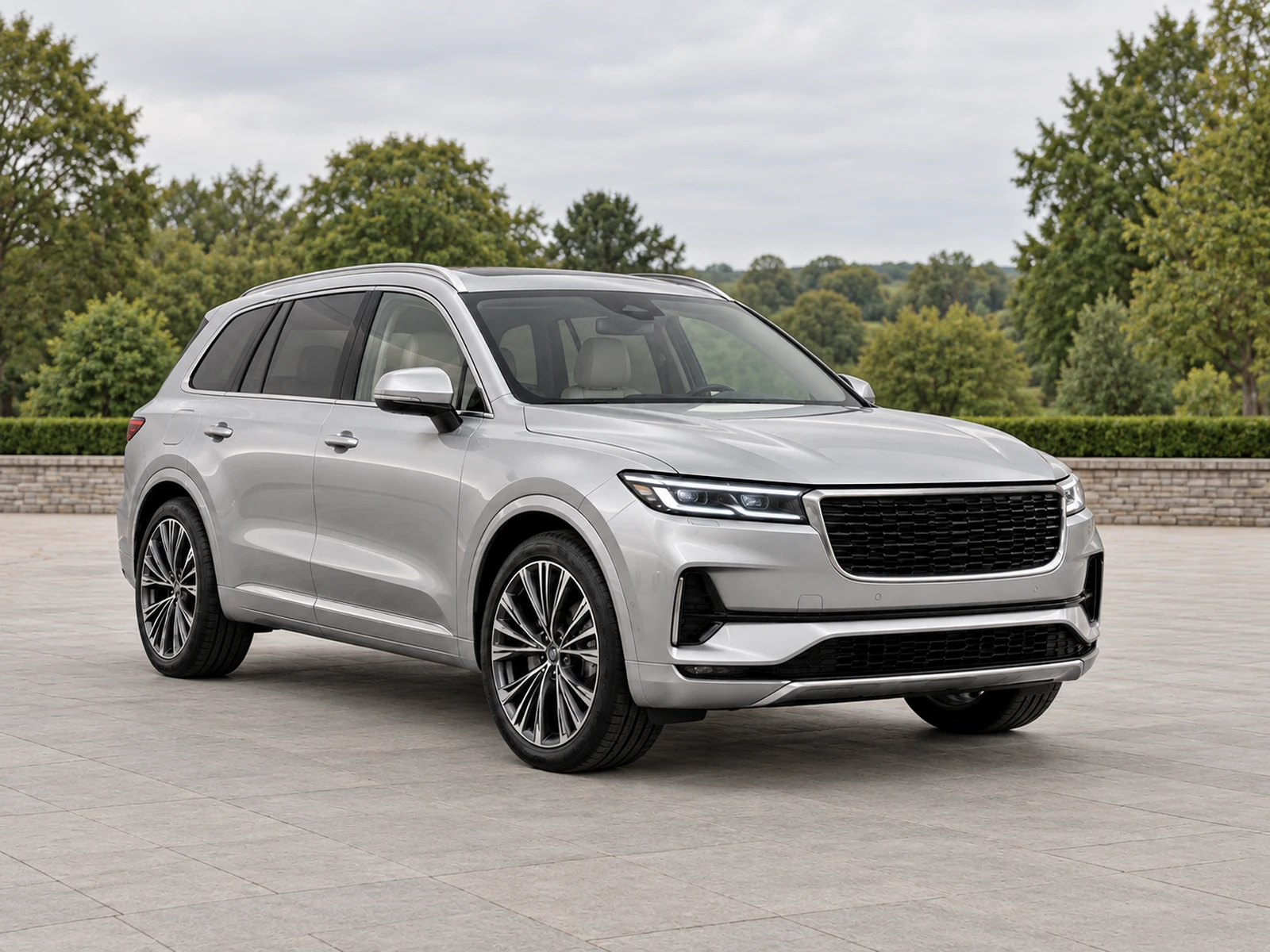
Yes. The collection includes outdoor settings, and the original-location finish keeps your own photographed scene.
Can I use it outside the UK?
MotorBackdrop supports independent projects without requiring a UK registration. Its interface is in English; check the displayed payment currency and your destination platform’s requirements.