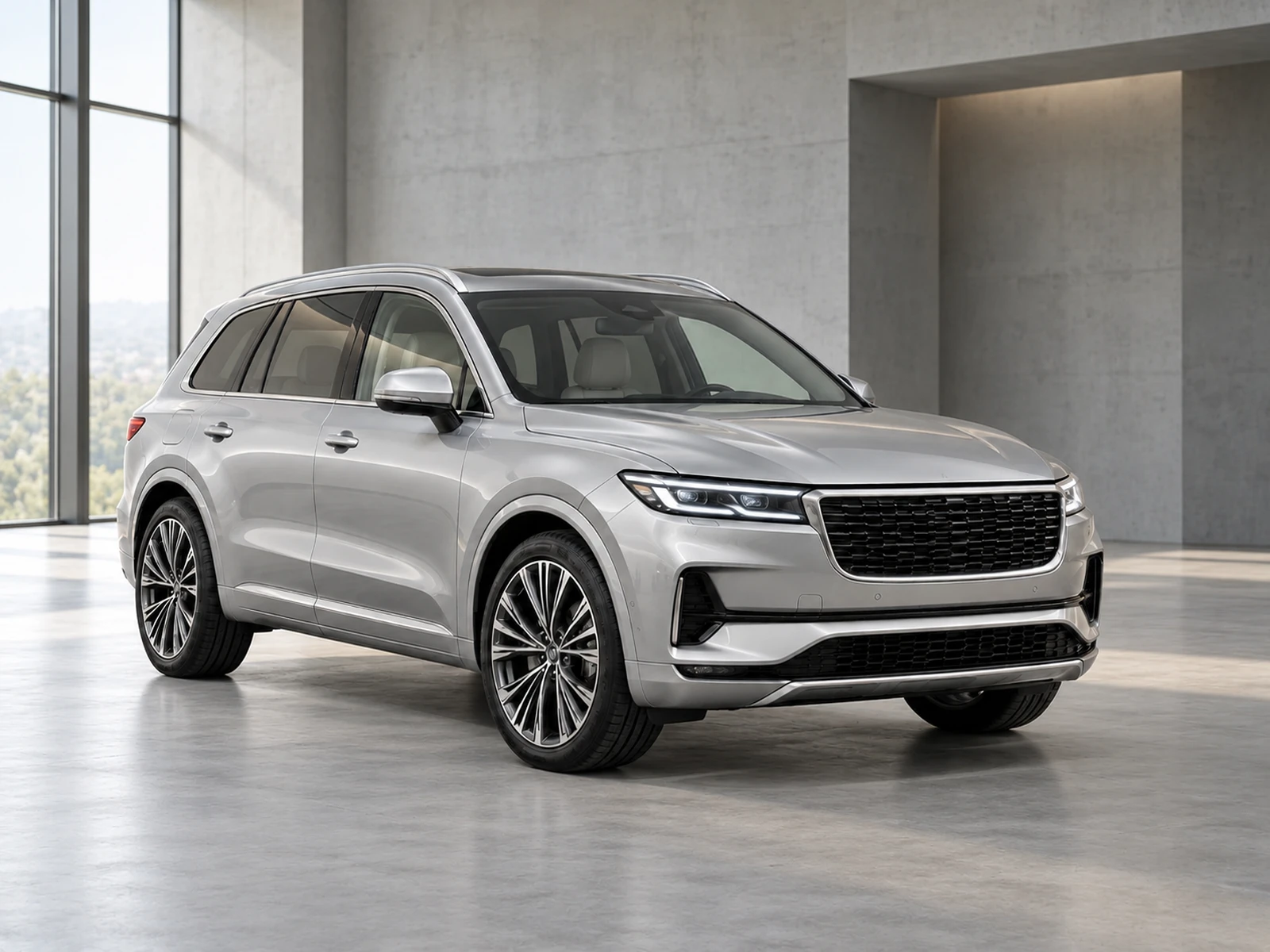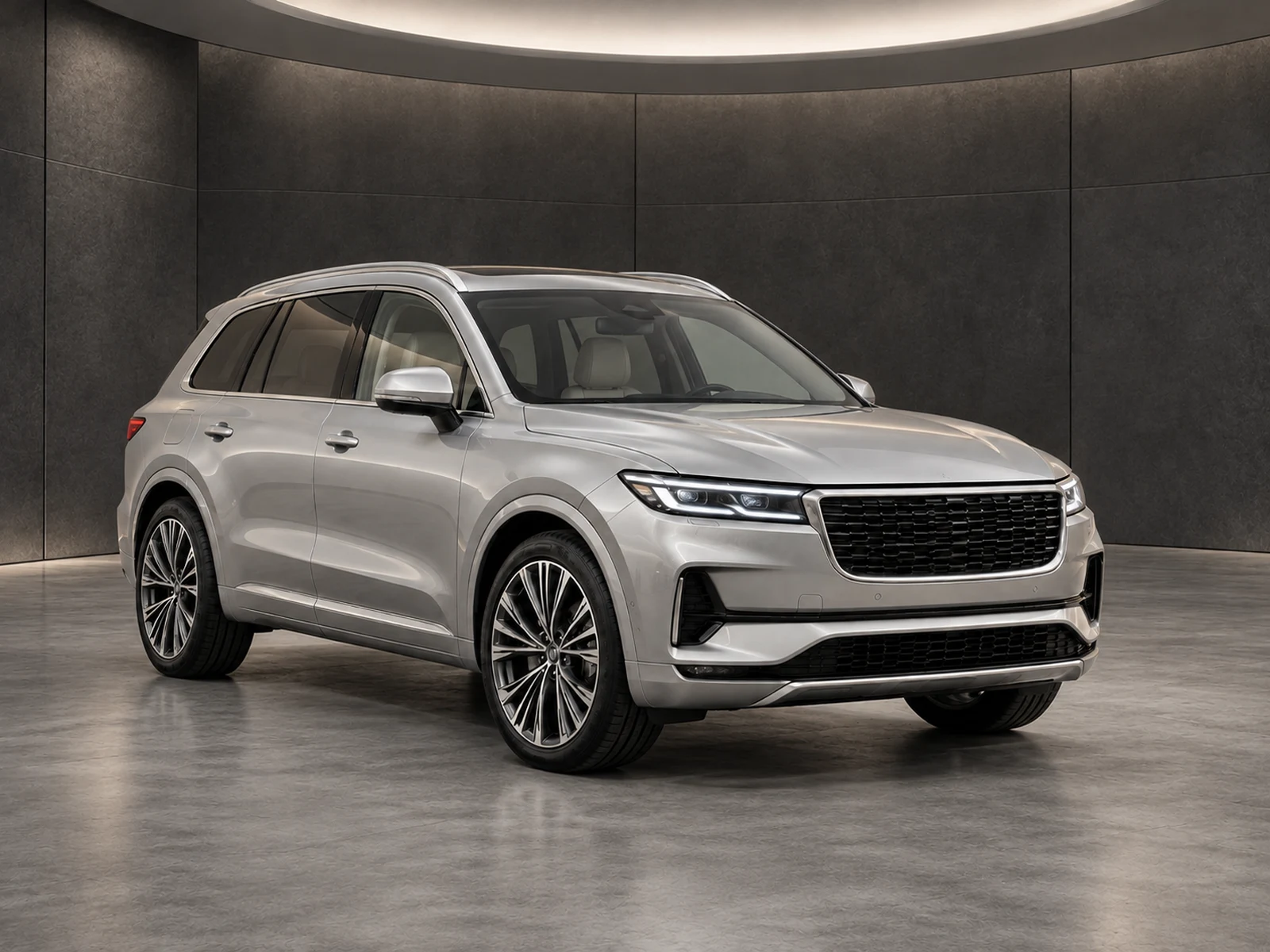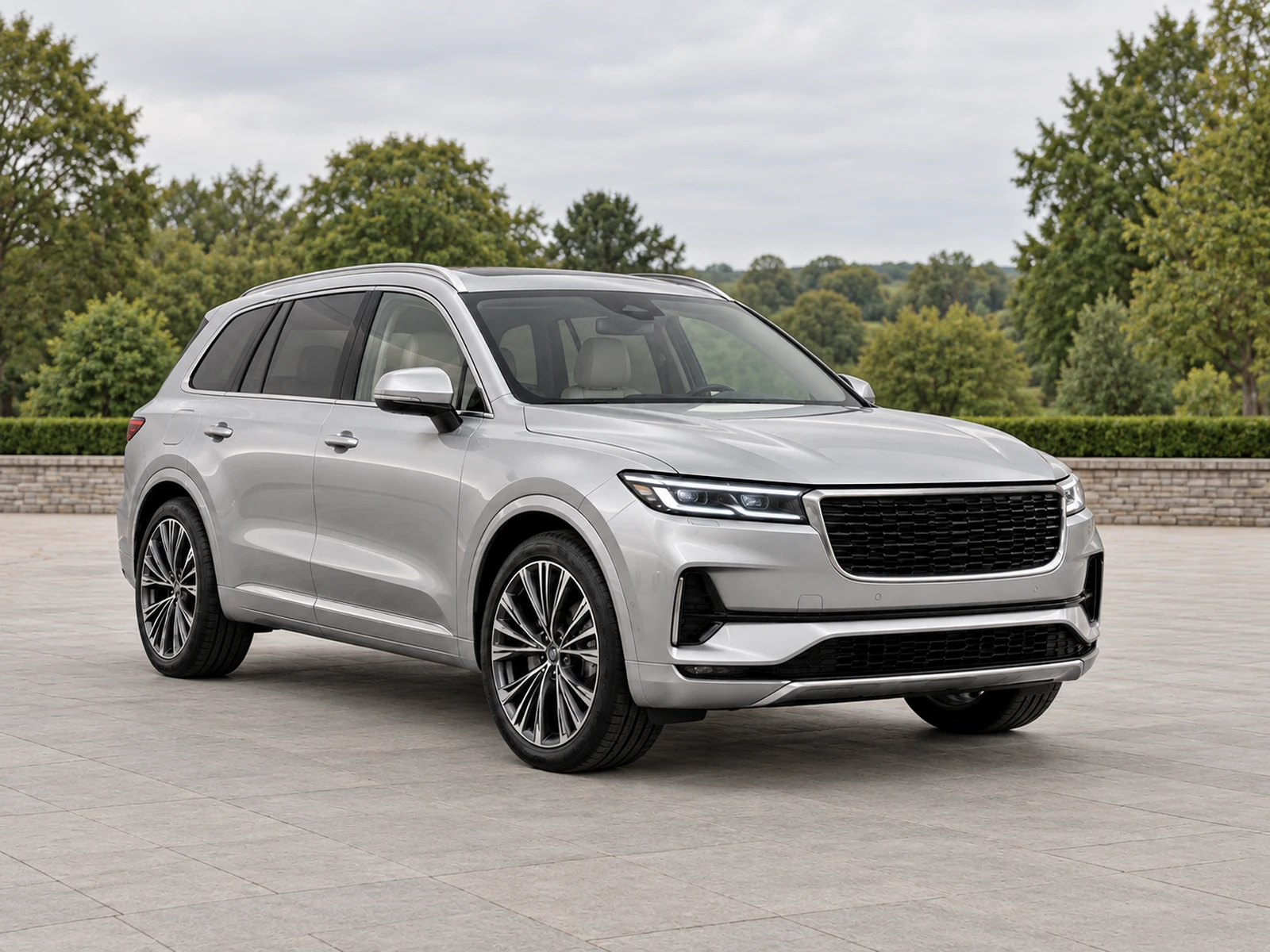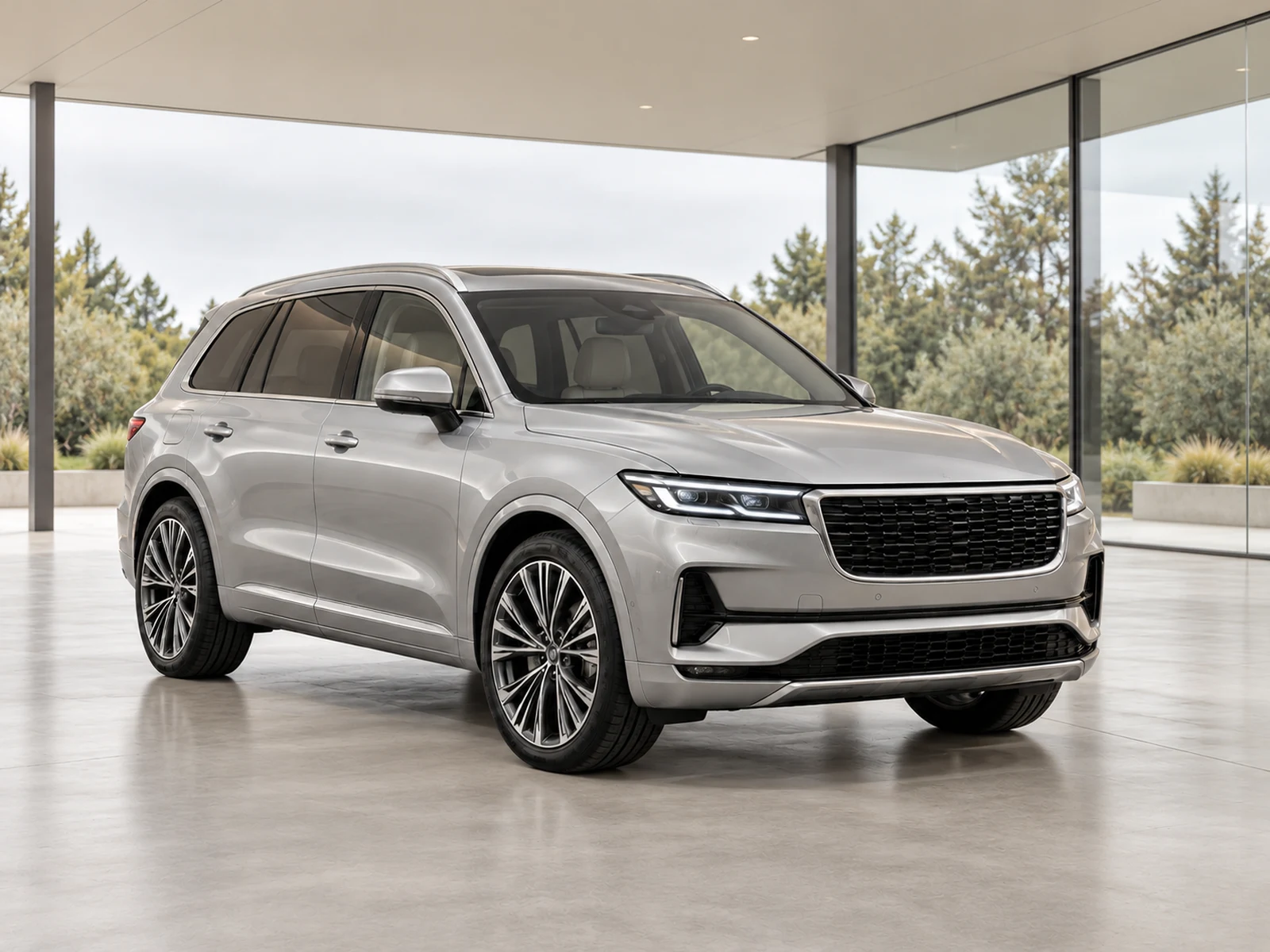
Choose image formats around capture quality, editing compatibility and the final publishing destination. Keep an unaltered source rather than repeatedly converting the only copy of a vehicle photograph.
Separate the original from the delivery file
The phone or camera source is your reference for vehicle accuracy. Preserve it before creating an upload or website variant. A delivery format can be useful for compatibility without becoming the new authoritative original. Keep the stock reference and version understandable so the team can find the correct source when a reviewer questions a small equipment or condition detail.
Use supported still images for editing
Check the upload form for accepted file types and limits. MotorBackdrop’s vehicle workflow accepts JPG, PNG and WebP still photographs. If a device produces a different format or moving-photo package, make a supported full-quality still copy. Inspect the resulting file before uploading so the conversion has not introduced unexpected colour, orientation or resolution changes.
Avoid unnecessary repeated conversion
Repeated lossy re-export can reduce small-detail readability and complicate comparisons. Make a clear presentation from the source and use the approved result for final output variants. Do not save an image from a compressed message preview when the original file is available. A convenient transfer method is not necessarily preserving the pixels your reviewer needs.
Follow the destination’s current requirements
The publishing system decides which formats it accepts and may create its own delivery versions. Check its current guidance and actual preview rather than assuming a format name guarantees quality or speed. Inspect the customer-facing gallery after upload for colour, orientation, detail and crop. Keep the reviewed source and export so a destination problem can be corrected without starting over.
Your dealer checklist.
- Preserve the unaltered camera source.
- Make supported full-quality still upload copies.
- Check orientation and colour after conversion.
- Avoid repeated lossy re-export.
- Inspect the destination’s actual output.
Common questions.
Is PNG always higher quality for a car photograph?
The label alone does not guarantee a better workflow. Preserve the source and choose a format supported by the editing and publishing destinations.
Can I upload a screenshot of a photo?
Use the original file where possible. A screenshot may have less detail, interface elements or altered dimensions that make review harder.
Put the next vehicle in a better setting.
Explore MotorBackdrop’s showrooms, prepare one sample and review your vehicle’s details before finishing the set.
Explore your next photo shoot ↗