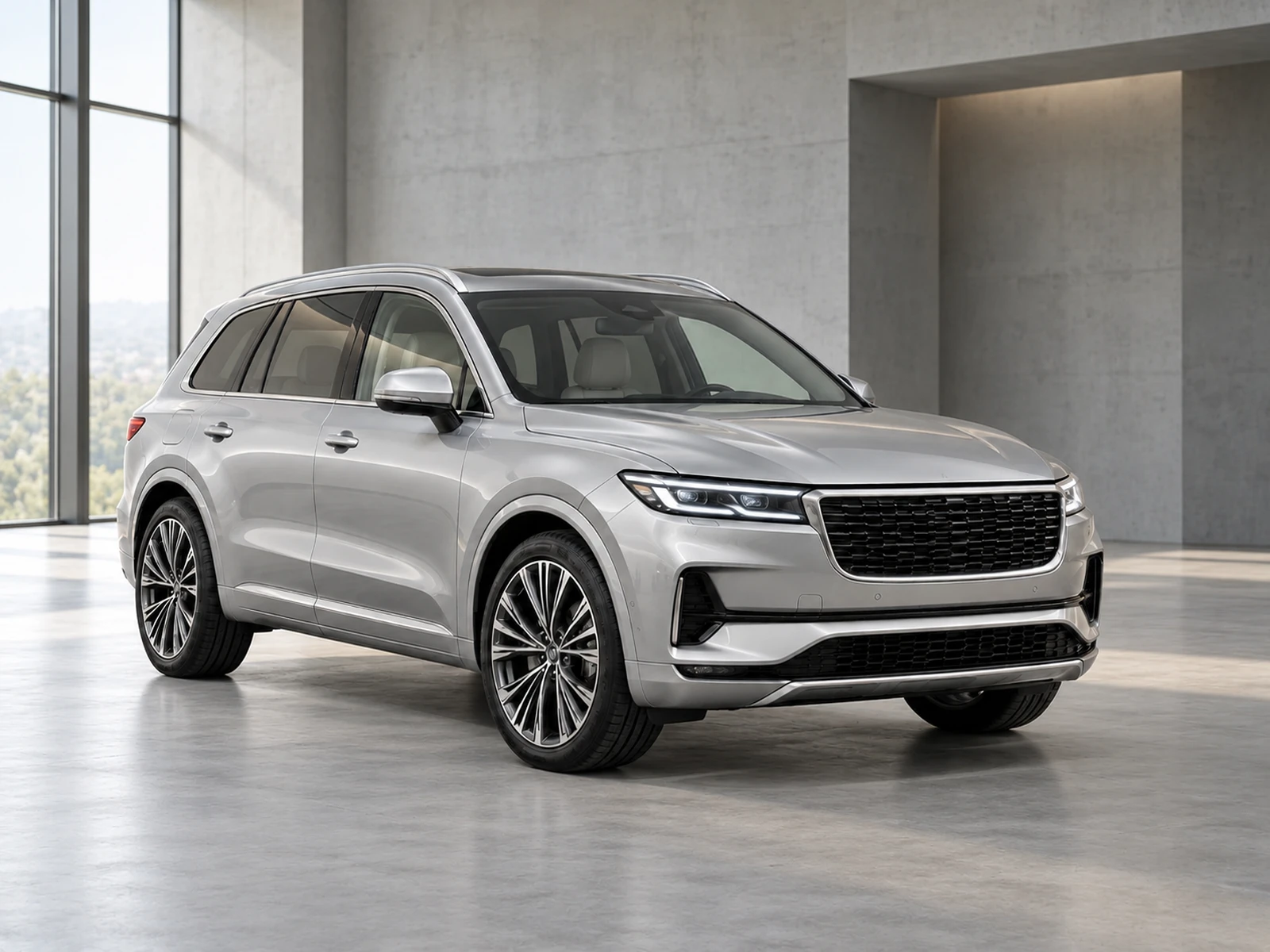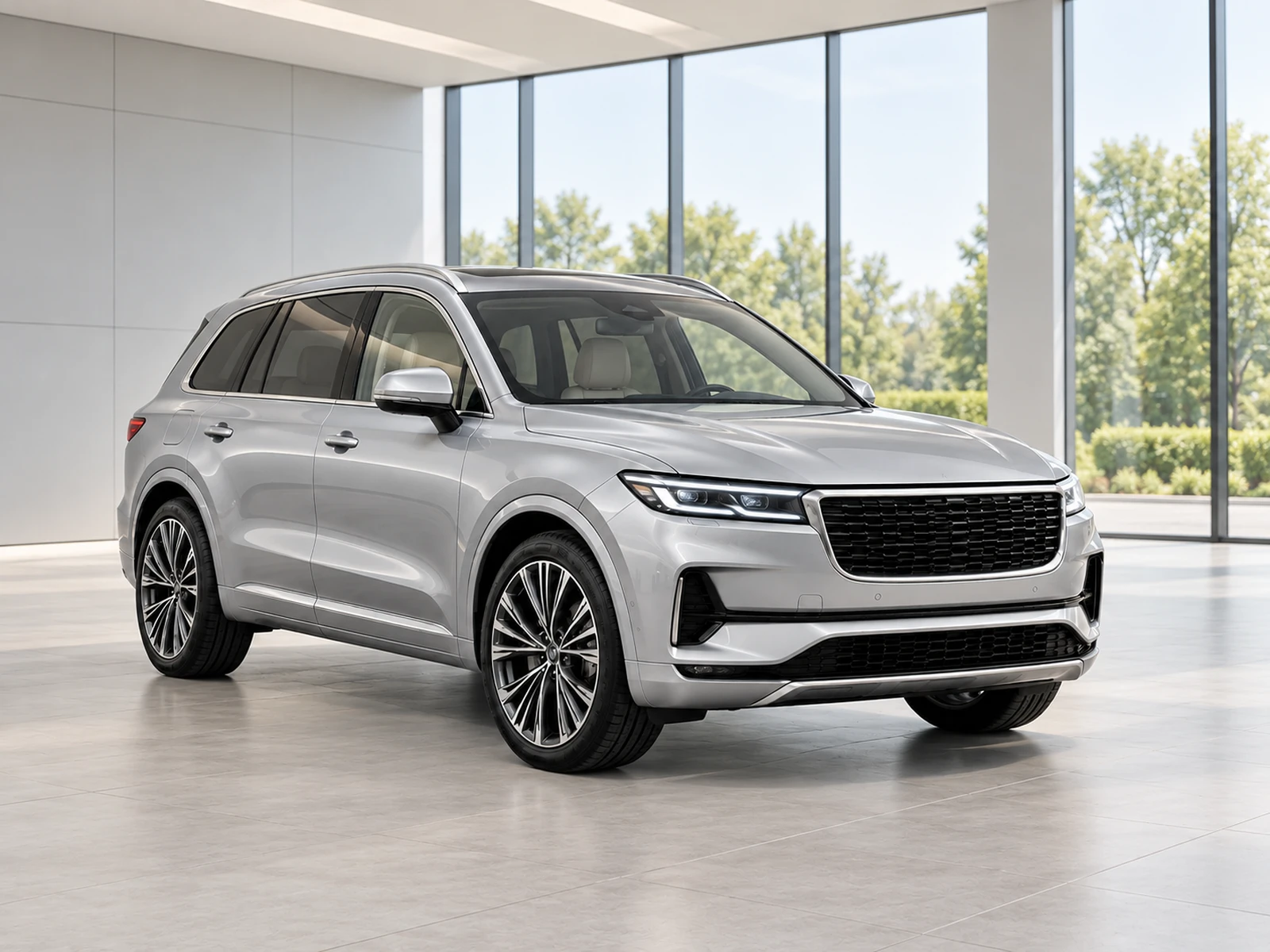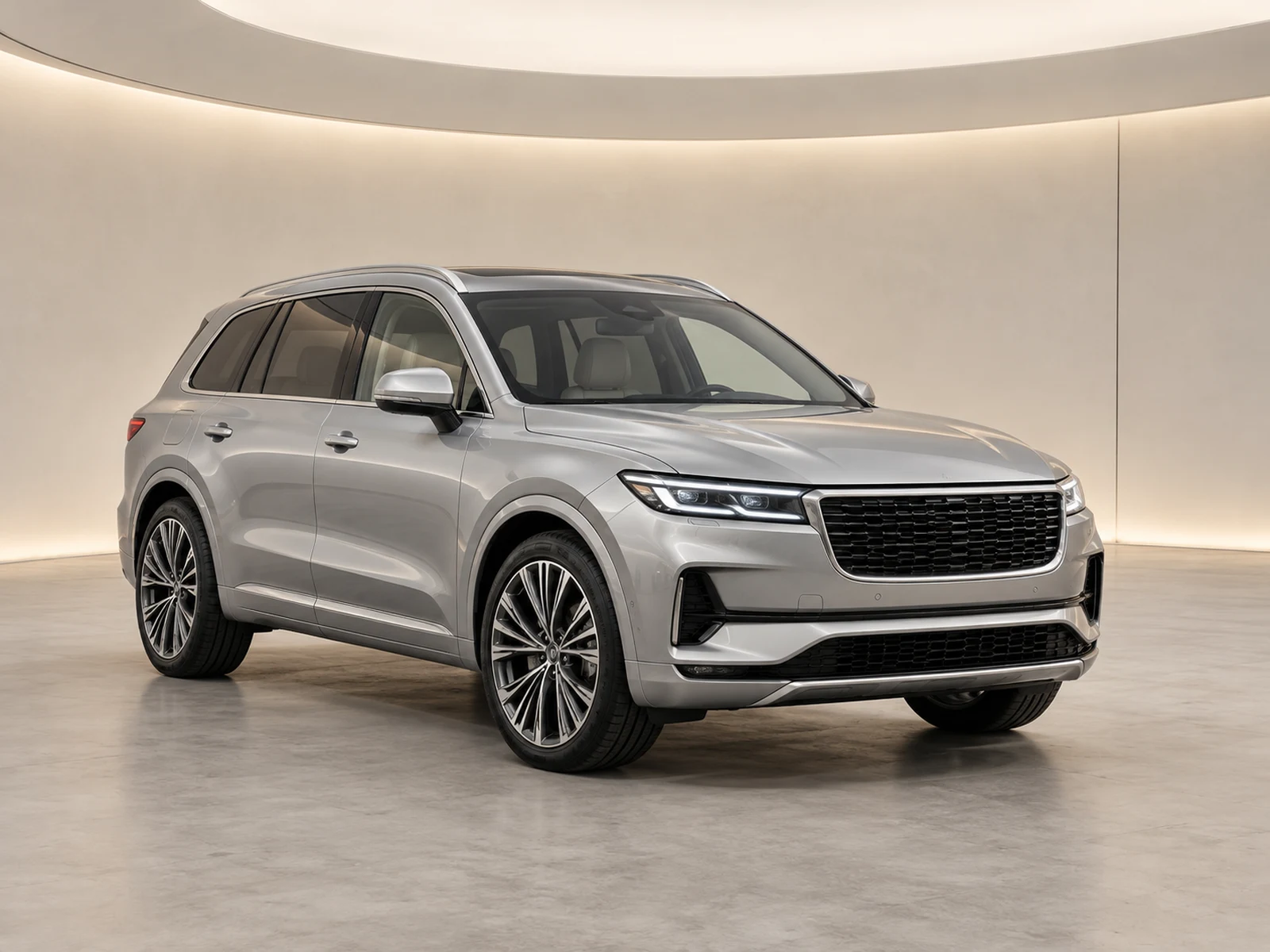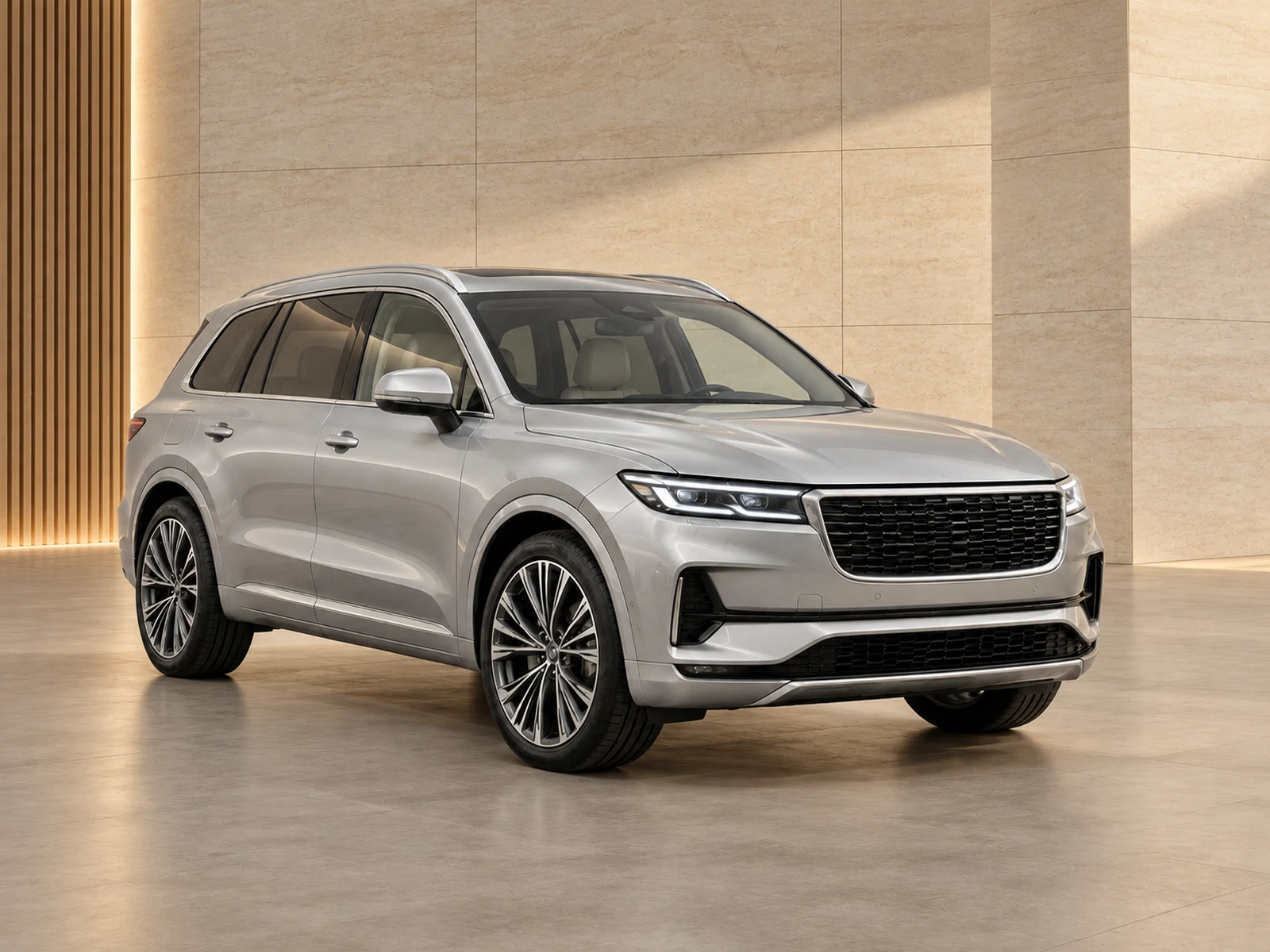
A new logo or showroom style affects more than the next hero image. Plan the transition across saved settings, working projects and already-published stock.
Create a small pilot before changing defaults
Choose a representative selection of vehicles and actual source angles. Test the new environment, framing and logo combination without removing the current style. Compare the pilot at full resolution and inside the website gallery. Include a dark car, a pale car and larger stock so an attractive result on one vehicle does not become an untested standard for everyone.
Decide what happens to existing listings
Separate new arrivals from stock already photographed and published. You may choose to update some historical images, but record which listings need attention and who will check them. Do not assume that changing a saved logo or preset will rewrite previous generated results. Keep each replacement associated with the correct stock reference and original source.
Give the team a clear switchover
Name the new preset clearly and explain when it becomes the default. Retire duplicate choices from the active library so colleagues do not select an old style by accident. Write a short note covering showroom, logo position, lead-view convention and any exceptions. A concise operational change is easier to follow than a large design document nobody sees during upload.
Review the live result after release
Inspect the customer-facing gallery after the first batch of new-style photos is published. Check image order, logos, crops and consistency between pages. Record unexpected destination behaviour before updating more stock. Keep the previous assets available until the replacement has been checked, so a presentation problem can be corrected without losing the vehicle’s original evidence.
Your dealer checklist.
- Pilot the style on representative stock.
- List the historical listings that need changes.
- Set a clear switchover date for new work.
- Retire duplicate active presets.
- Check the live gallery before expanding the rollout.
Common questions.
Should we regenerate every old vehicle photo?
Decide based on your stock and publishing needs. Keep a tracked list rather than applying an unreviewed blanket replacement.
Can different campaigns use different styles?
Yes. Give each campaign a clear purpose and separate it from the ordinary stock default so the team knows which preset to choose.
Put the next vehicle in a better setting.
Explore MotorBackdrop’s showrooms, prepare one sample and review your vehicle’s details before finishing the set.
Explore your next photo shoot ↗