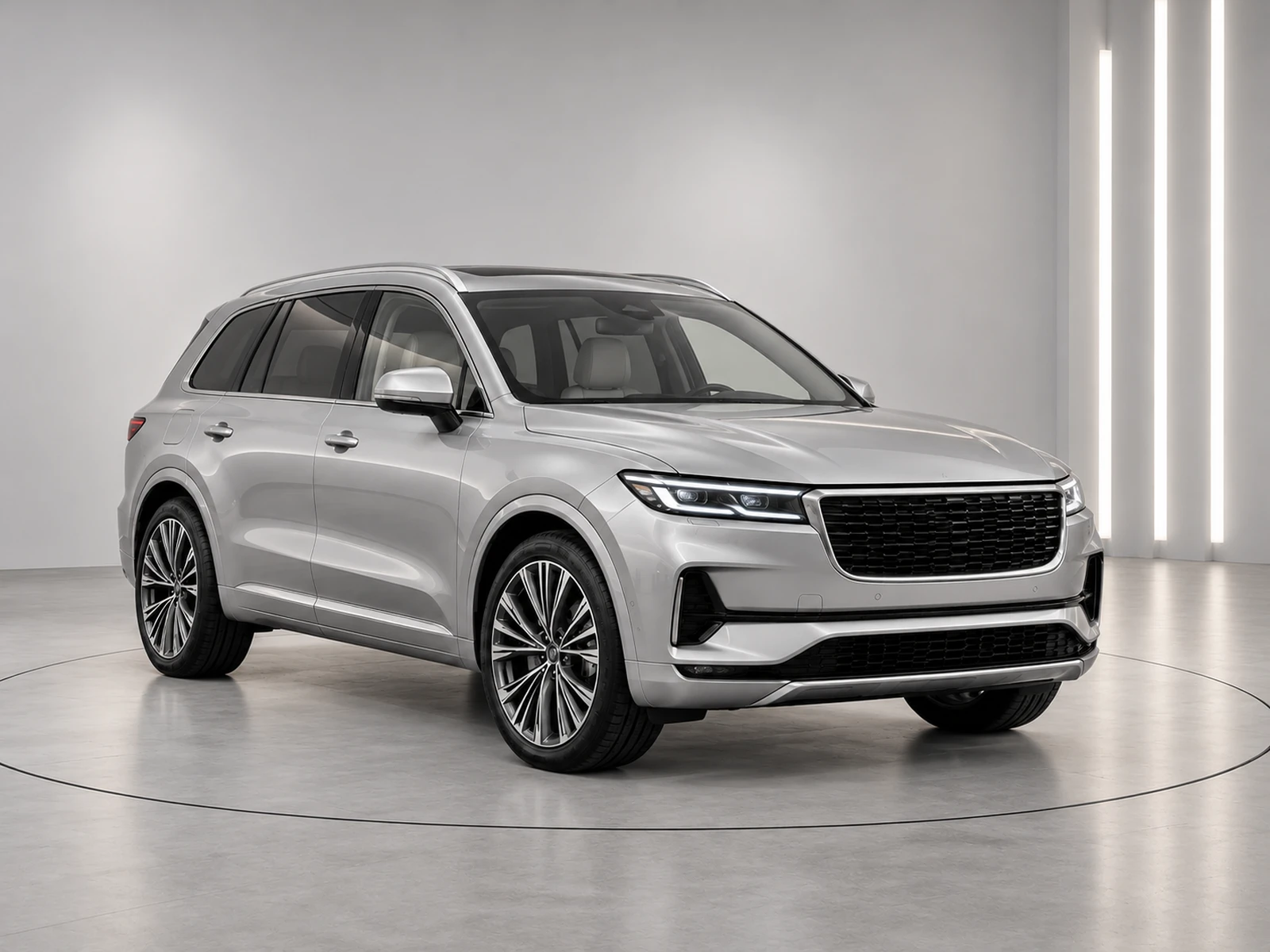
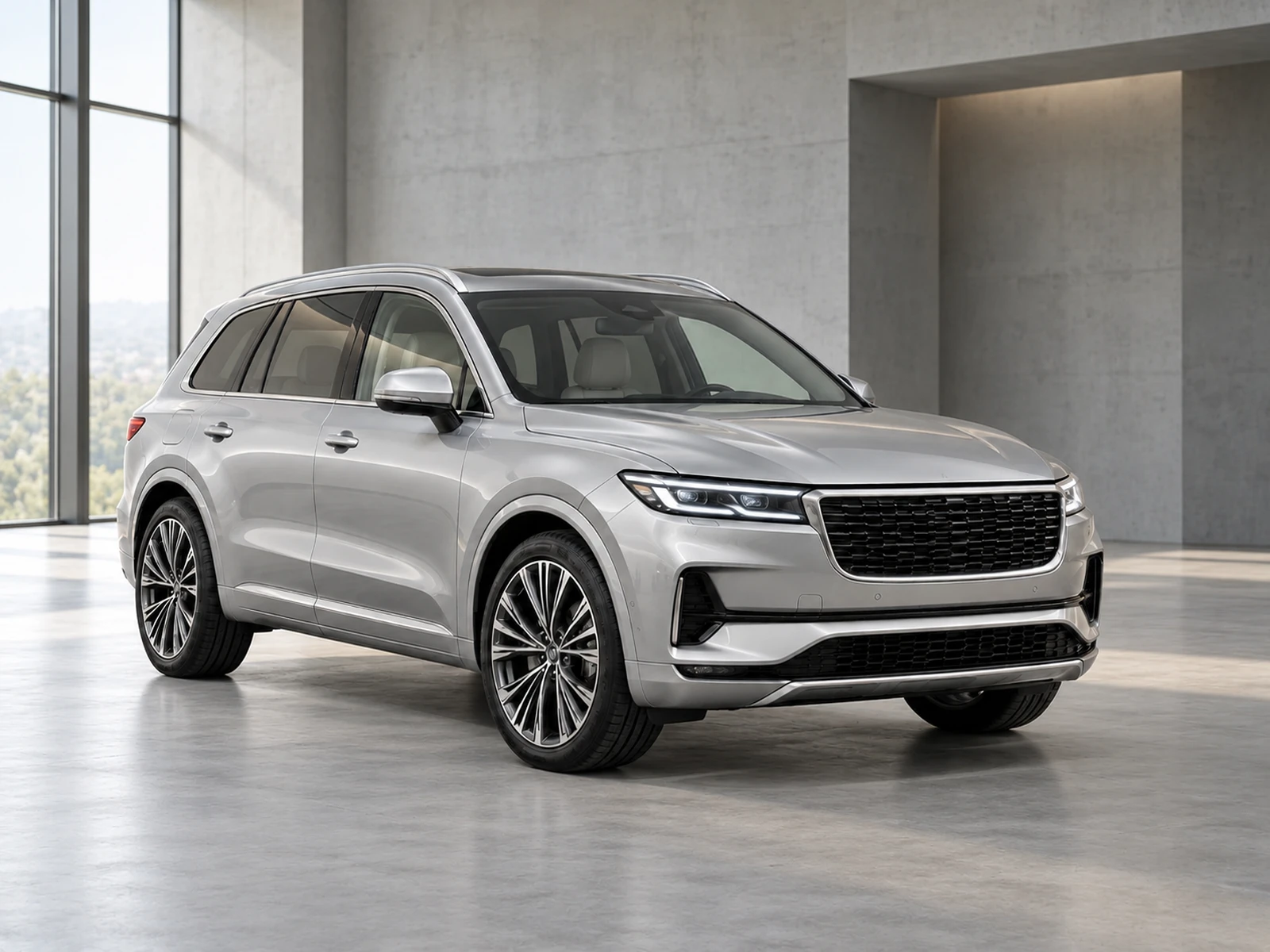
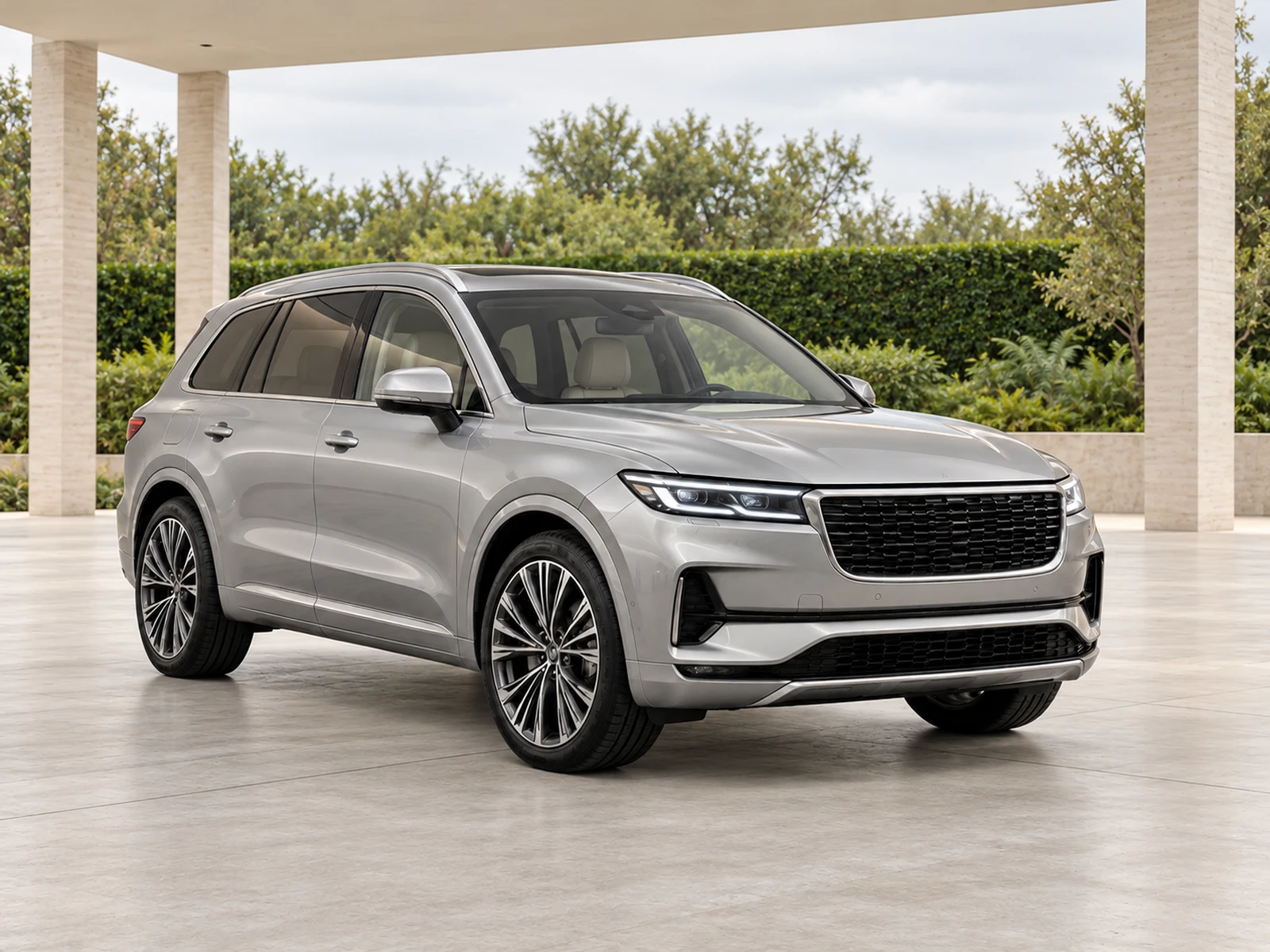
Give every vehicle a deliberate place in your stock gallery. Explore understated architecture, circular studio platforms and outdoor scenes, then save the settings that work for your dealership.
A good showroom works with more than one hero vehicle. Test light and dark paint, hatchbacks, SUVs and larger stock before choosing a default. Floor tone and wall contrast should help buyers read the body shape.
Our vehicle previews help you compare environments. Your generated result still depends on your own source photograph, viewing angle and the details available to the editor.
02
Make the platform part of the setting.
Circular turntable backgrounds provide an automotive studio floor with a defined vehicle area. They are still-photo environments, not animated rotation or a 360-degree product.
The editor should adapt floor perspective to your photographed viewpoint. Check tyre contact, platform scale and shadow direction rather than accepting an attractive floor at the expense of the vehicle.
03
Bring your own environment.
Upload a private, empty showroom image for your organisation. A clear floor, unobstructed central bay and neutral lighting make the setting easier to use across different vehicles.
Describe the architecture and lighting that matter. Avoid uploading a reference containing another vehicle: an environment reference should establish the space, not introduce competing vehicle details.
WORK IT INTO YOUR DAY
From your camera roll to a reviewed photo set.
Compare studio, turntable and outdoor previews.
Choose a representative vehicle and test your preferred setting.
Inspect floor perspective, contact shadows and body colour.
Save a style for the team and repeat the setting across stock.
BEFORE YOUR FIRST SET
Your questions, answered.
How many backgrounds are included?
The collection starts with 20 curated environments. Your organisation can also upload private background references.
Are the showroom preview cars my vehicles?
The collection previews illustrate each environment. Generate a sample from your own upload to evaluate your vehicle in the selected setting.
Can the team use our private showroom?
Yes. Private backgrounds are scoped to your organisation and can be included in shared saved styles.