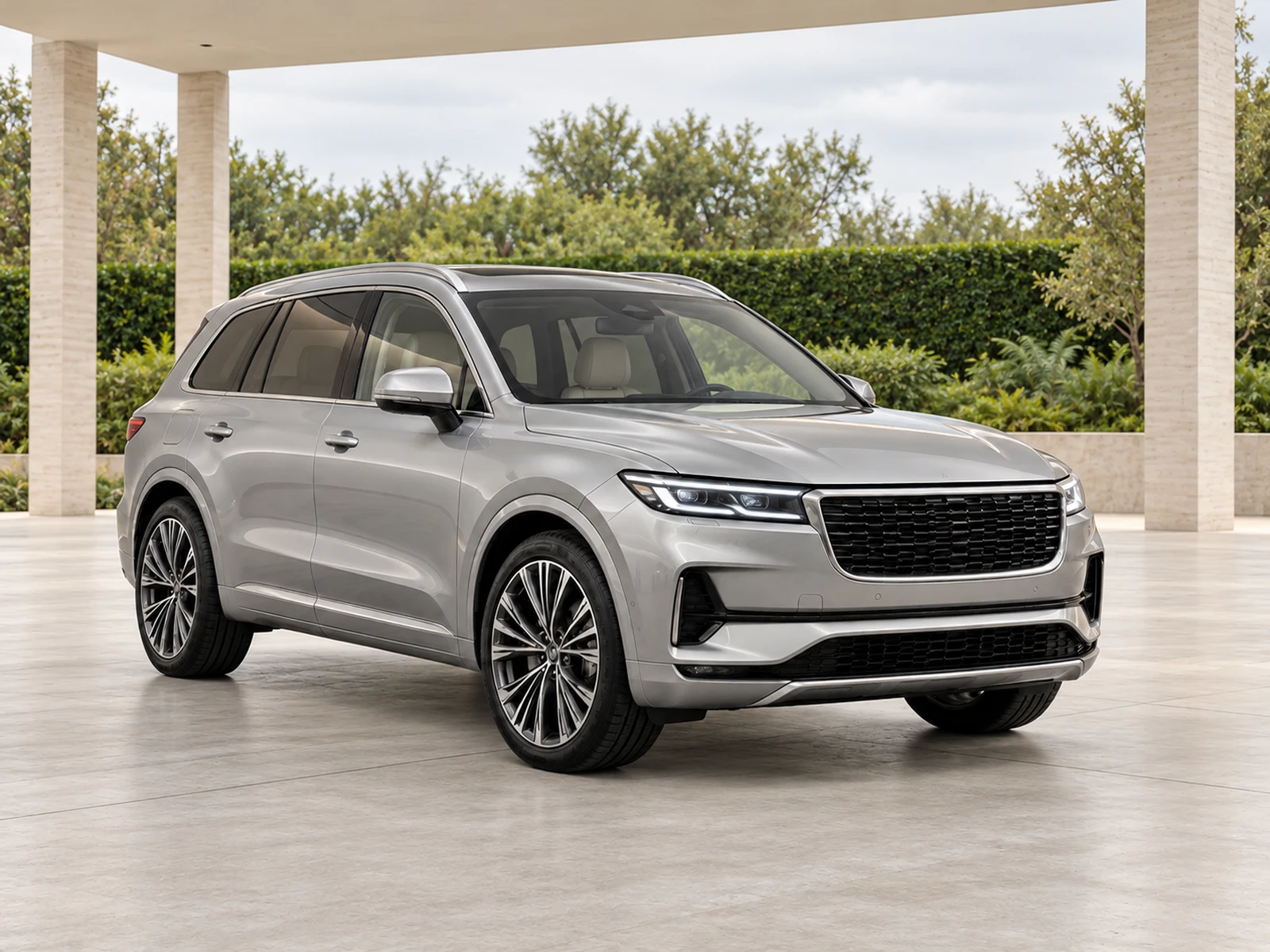
Glare, dust and strong contrast can make a clean vehicle difficult to photograph clearly. Establish a controlled capture routine before choosing the showroom style for your stock.
Choose practical light rather than dramatic light
Use a safe shaded or evenly lit bay where available, and test the actual source files. Strong sun can create bright patches on pale paint and deep shadows in the cabin. Do not select a capture position only because the background looks impressive. The main requirement is enough readable information to review the vehicle accurately after editing.
Check lenses and surfaces frequently
Dust on the camera lens can reduce clarity across every photograph in a set. Inspect the first saved frame and clean the lens when needed. Prepare glass and body surfaces so equipment and visible condition can be read, while keeping genuine wear documented. A showroom edit should not be used to invent details hidden by a dirty or obscured source.
Control colour in the finished setting
Warm architecture and intense reflected colour can shift how paint appears. Test white, silver and dark vehicles in your chosen scene and compare them with the original. Look at body edges, glass and tyres as well as the main panels. A neutral setting can provide a useful default, with a separate campaign style only where it has passed the same accuracy review.
Build a clear multi-channel handover
Keep stock references consistent across the photo project, download and destination platform. Check the actual mobile listing, especially where a long or tall vehicle meets a tight crop. English-language photo tools can be used independently of a specific stock system, but the team still needs to check the displayed payment currency and its own publishing requirements.
Your dealer checklist.
- Capture in controllable, even light where practical.
- Check the camera lens for dust.
- Keep equipment and condition readable.
- Test warm settings for paint-colour shifts.
- Inspect the final mobile listing and stock association.
Common questions.
Should every hot-climate capture use an indoor studio?
No. Use the best practical capture conditions available and test the saved files. Clear outdoor sources can work well with a consistent workflow.
Does worldwide access mean every currency is available?
Check the currency shown in checkout. Availability of the photo workflow does not imply that every local billing currency has been configured.
Put the next vehicle in a better setting.
Explore MotorBackdrop’s showrooms, prepare one sample and review your vehicle’s details before finishing the set.
Explore your next photo shoot ↗