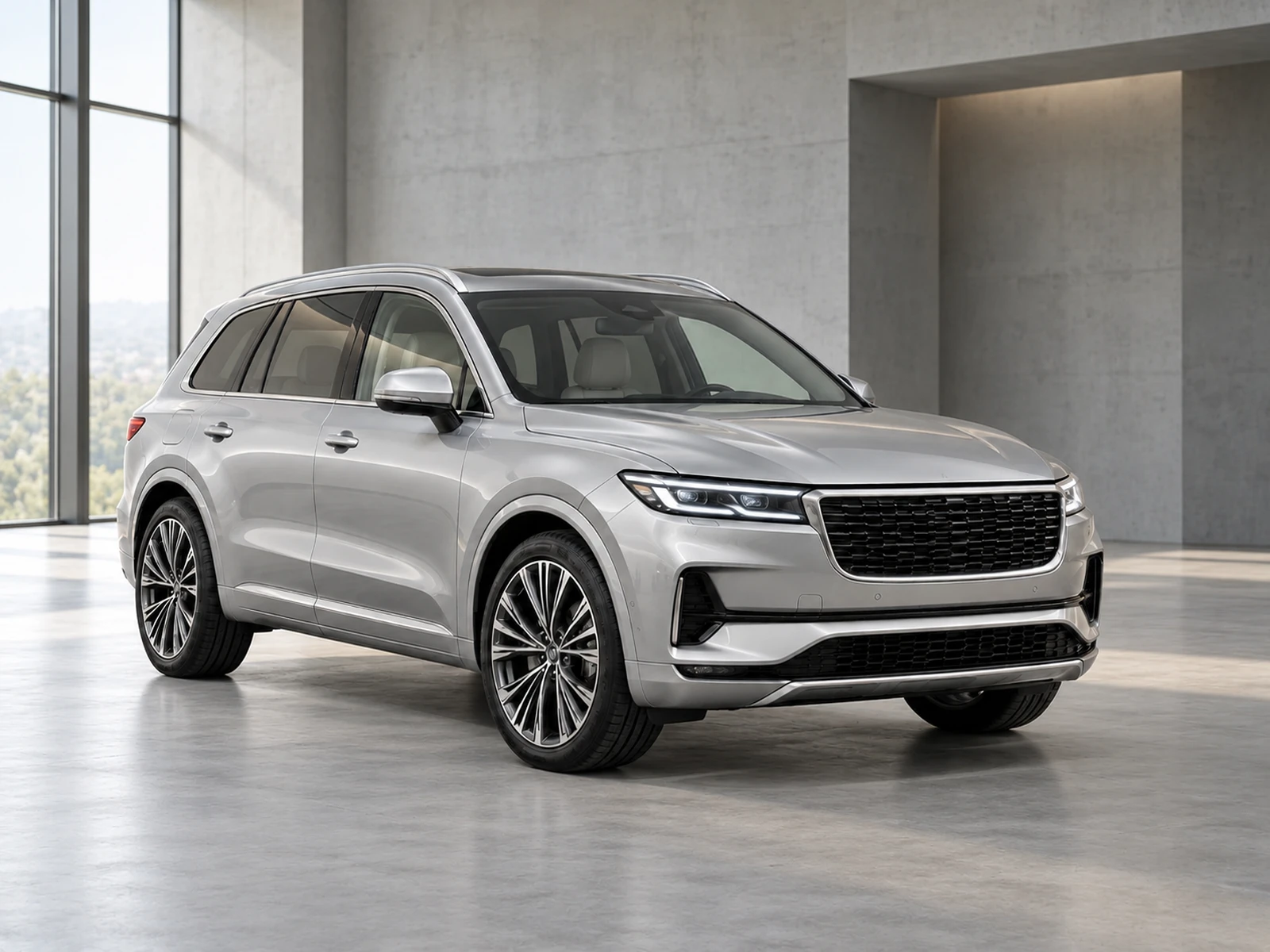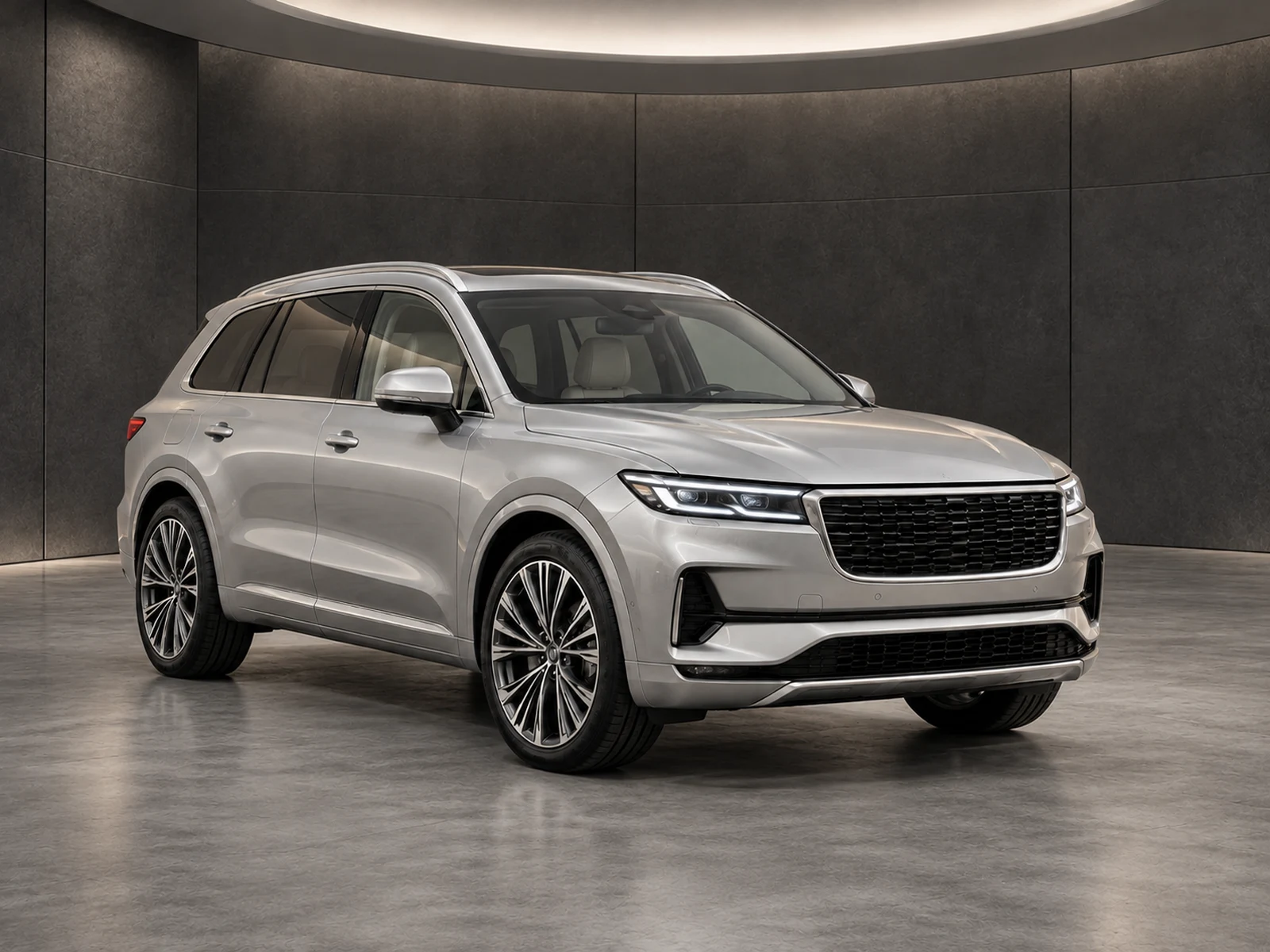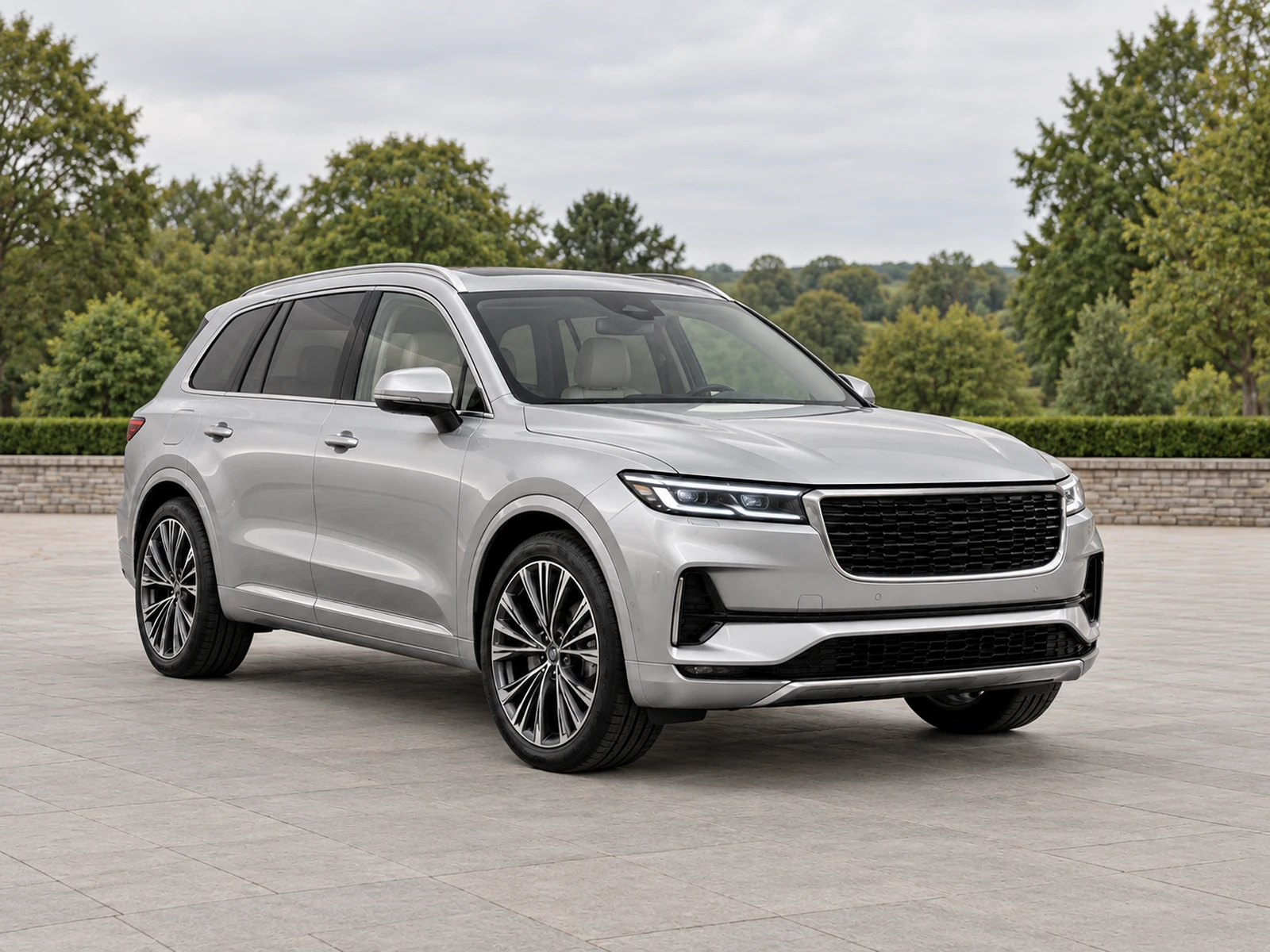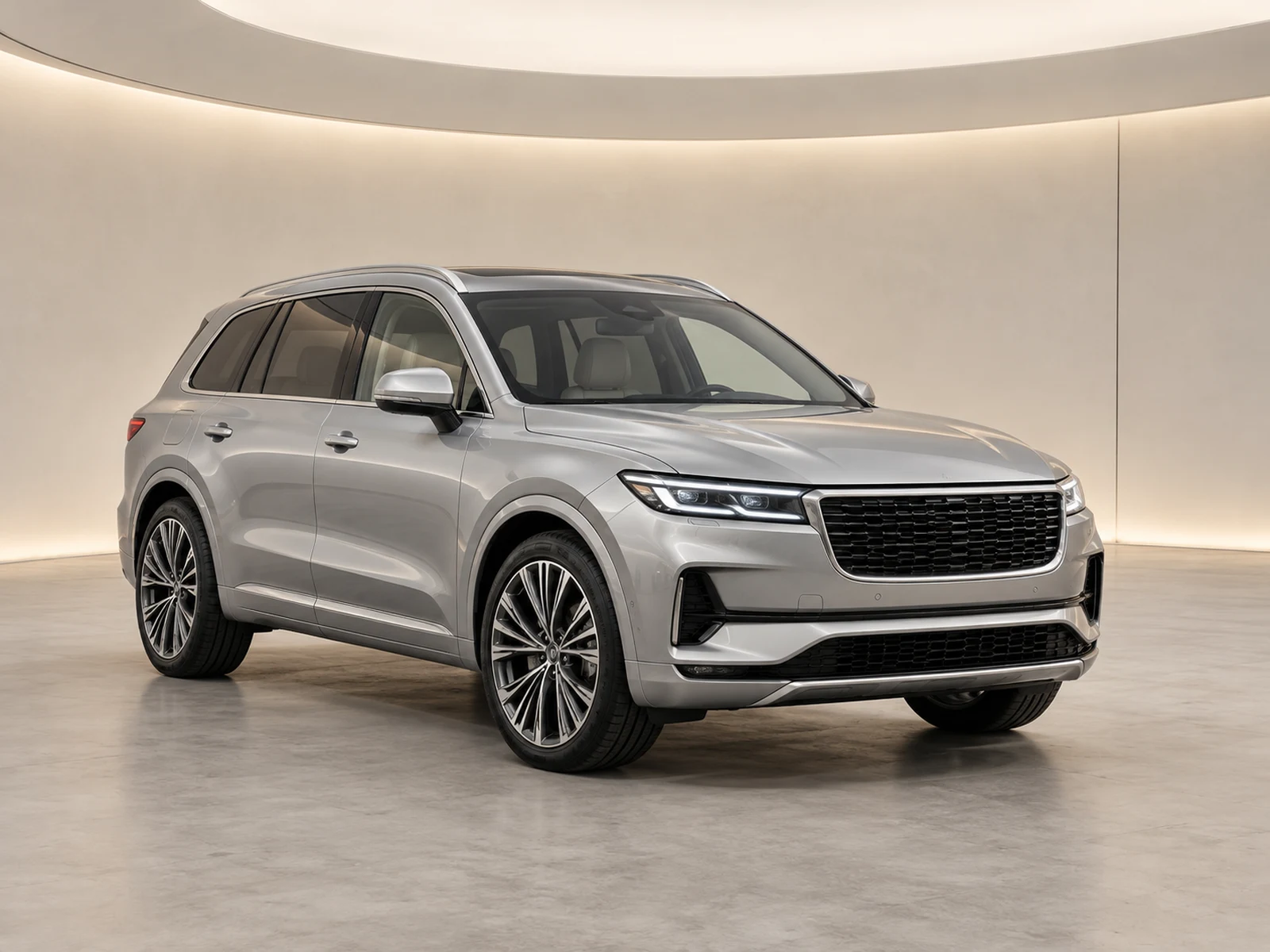
Export dimensions matter only when the actual vehicle remains visible in the destination. Prepare formats deliberately and inspect the published crop instead of assuming one image shape works everywhere.
Identify where the photograph will appear
Separate the full vehicle gallery, search-result card and campaign placement. They may use different shapes even on the same website. Check the current requirements and previews in the destination system before choosing a format. Do not copy a remembered pixel specification from another platform and assume it establishes the right crop for your dealership’s layout.
Preserve the source before making variants
Keep the original and approved full presentation available. Use named export variants so a square campaign asset cannot be mistaken for the primary gallery file. Compare the vehicle’s outline in each variant, especially mirrors, roof equipment and the front and rear bumpers. Increasing resolution does not solve a crop that removes relevant parts of the stock.
Use added space where it serves the layout
A padded canvas can change aspect ratio while retaining the complete photograph. It may be more appropriate than cutting through the vehicle to fill a square or widescreen frame. Check that the surrounding space looks intentional and that a logo remains in a useful position. The right result depends on the destination, not on a rule that every image must fill every available pixel.
Inspect the real listing after upload
A platform may crop or compress an uploaded file again. Open the customer-facing page on desktop and mobile, then inspect the card and full gallery separately. Confirm the intended image order and vehicle identity as well as framing. Use the findings to adjust future capture margins so the team is not fixing the same clipping problem for every stock item.
Your dealer checklist.
- Check the actual destination placement.
- Keep the reviewed full presentation.
- Name export variants clearly.
- Consider padding before clipping bodywork.
- Inspect the published desktop and mobile crop.
Common questions.
Does a square image need to remove part of the car?
No. A padded presentation can preserve the whole photograph while changing canvas shape. Test whether that suits your destination layout.
Will a larger file stop a platform cropping it?
No. Resolution and display aspect ratio are different. Check the platform’s actual presentation after upload.
Put the next vehicle in a better setting.
Explore MotorBackdrop’s showrooms, prepare one sample and review your vehicle’s details before finishing the set.
Explore your next photo shoot ↗