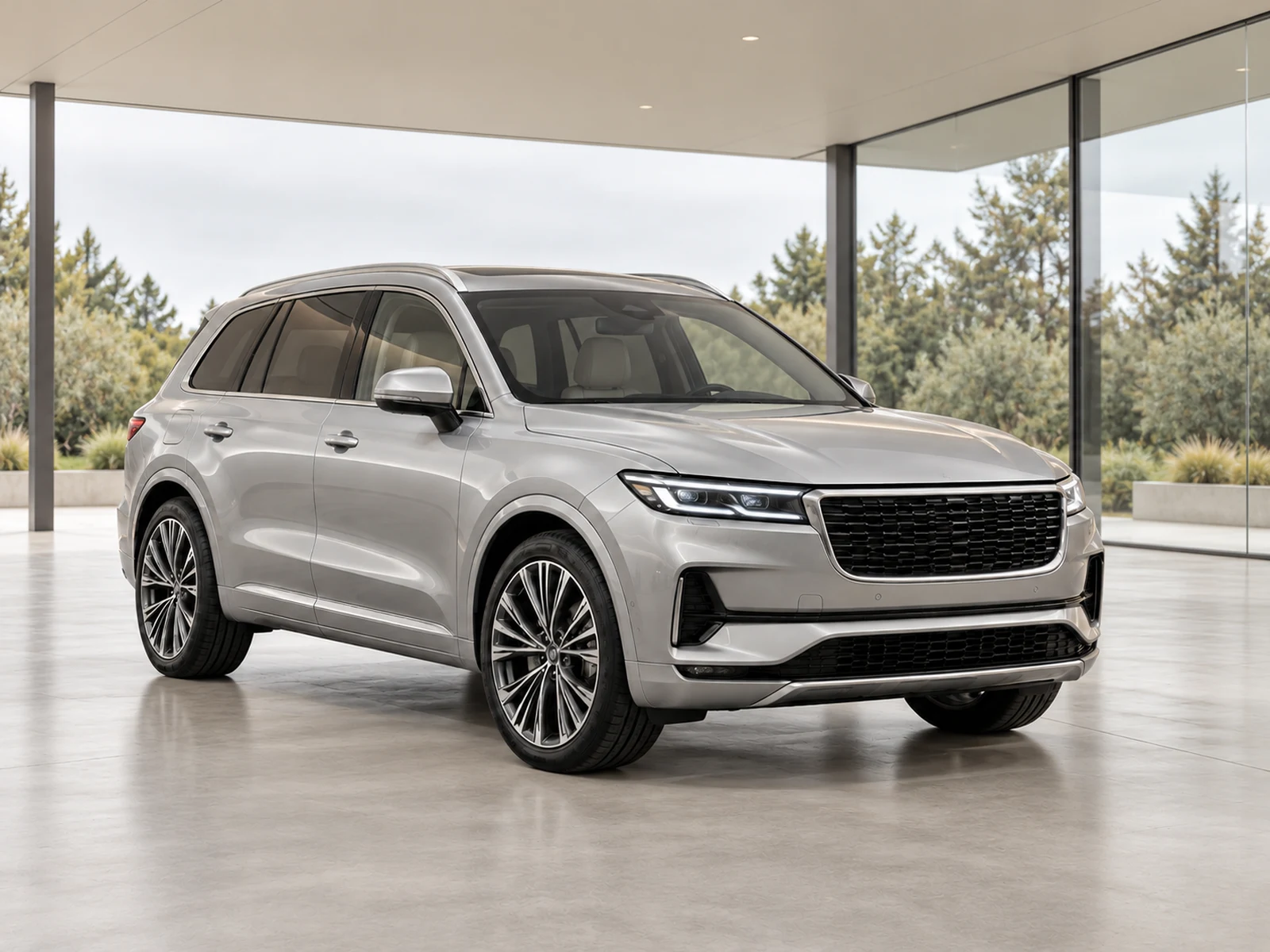
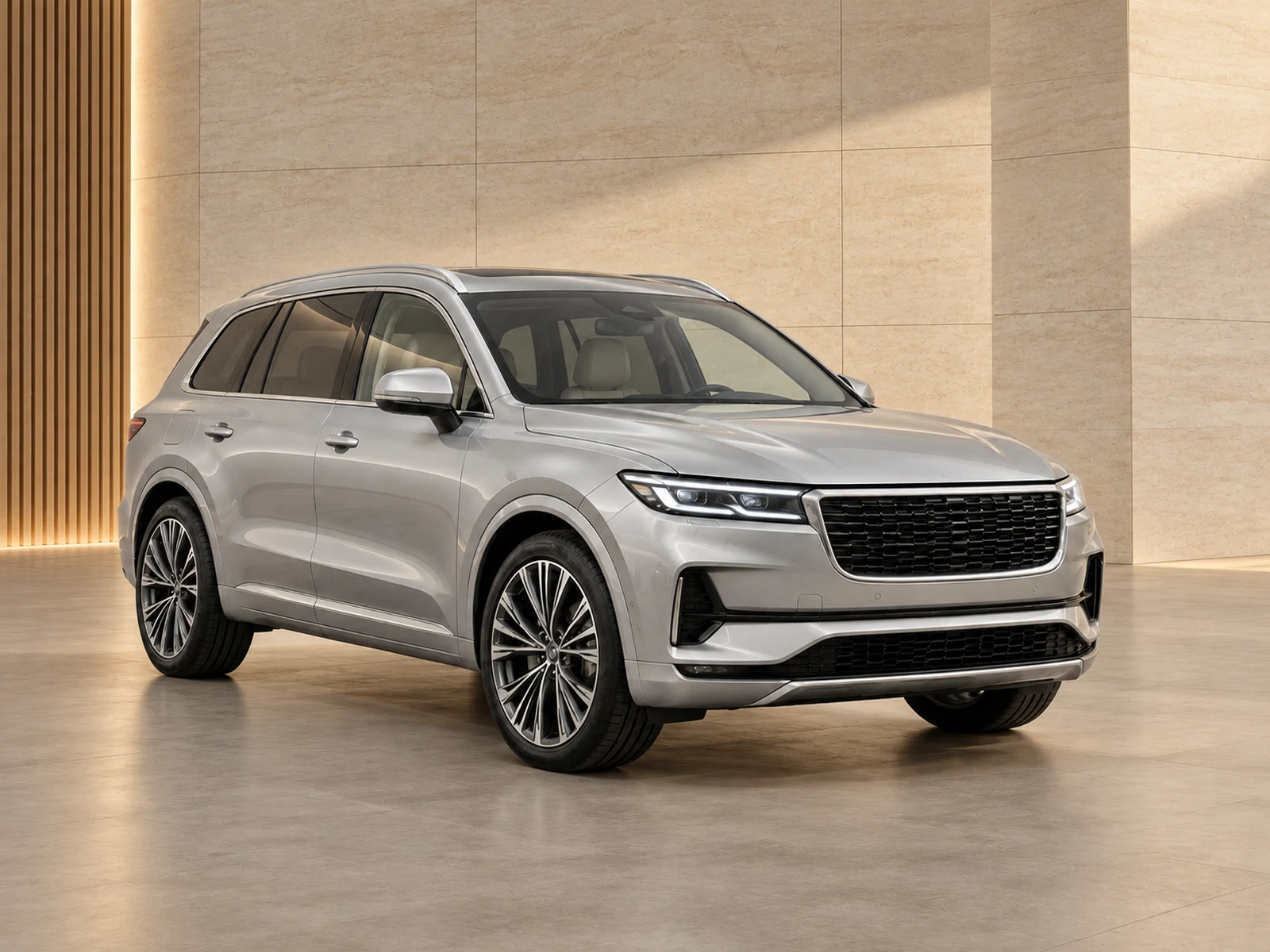
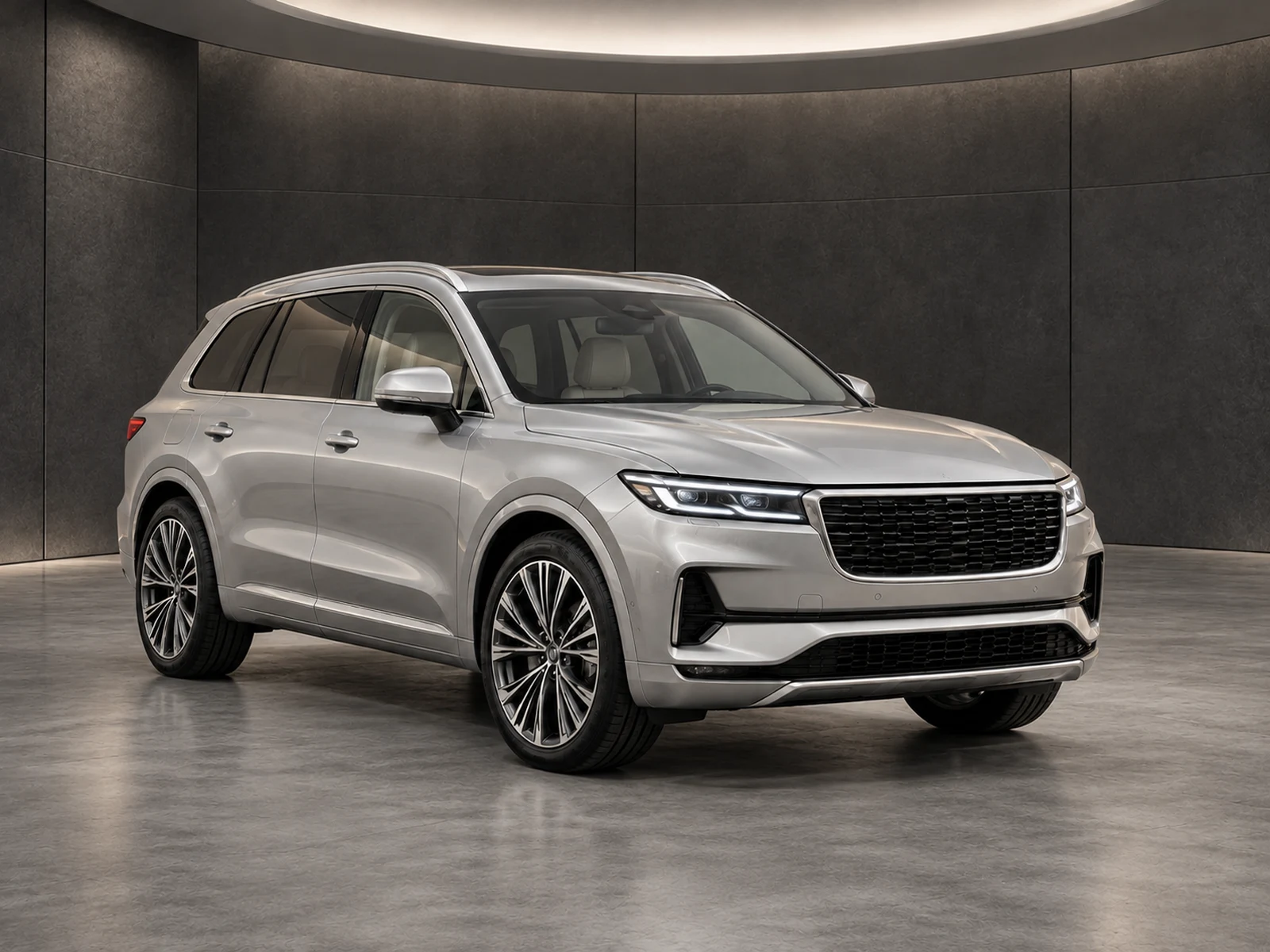
A useful listing shows the cabin as clearly as the bodywork. Treat interior and close-up photographs as evidence of the vehicle’s specification and condition, with a separate editing approach from exterior showrooms.
Choose Interior for cabin photos and Detail for close-ups. These types retain their original setting rather than placing a virtual showroom behind the dashboard or rebuilding a small component.
Use clear source photographs of the actual equipment. Reflections, darkness and glare are capture problems worth correcting before upload; an editor should not invent what sits inside an unreadable display.
02
Correct with restraint.
The interior workflow focuses on neutral exposure and colour. Check fabric, leather, trim inserts, switches and screen content against the original before accepting a result.
Close-ups need their own inspection. Wheel damage, upholstery wear and small trim details can be less obvious at thumbnail size, so view them at the final download resolution.
03
Keep the set connected.
Interiors and details can live in the same vehicle project as the exterior photographs. Correct photo types allow your team to prepare the complete set while applying different treatment where it belongs.
Arrange the downloaded photos into an understandable buyer journey: exterior identity, cabin layout, equipment and relevant condition evidence. Your publishing destination determines the final order.
WORK IT INTO YOUR DAY
From your camera roll to a reviewed photo set.
Capture clear cabin and equipment photographs before upload.
Mark each image as Interior or Detail instead of Exterior.
Review exposure, material colour, switches and visible wear.
Publish the checked views alongside the exterior collection.
BEFORE YOUR FIRST SET
Your questions, answered.
Will this add missing equipment?
No equipment should be added. Review the original and edited image to ensure the photographed specification remains accurate.
Does an interior use my chosen showroom?
No. Interior and detail handling keeps the original surroundings with restrained photographic corrections.
Can it make a blurry dashboard readable?
A clear source is still necessary. Retake unreadable controls or displays rather than treating invented detail as vehicle evidence.