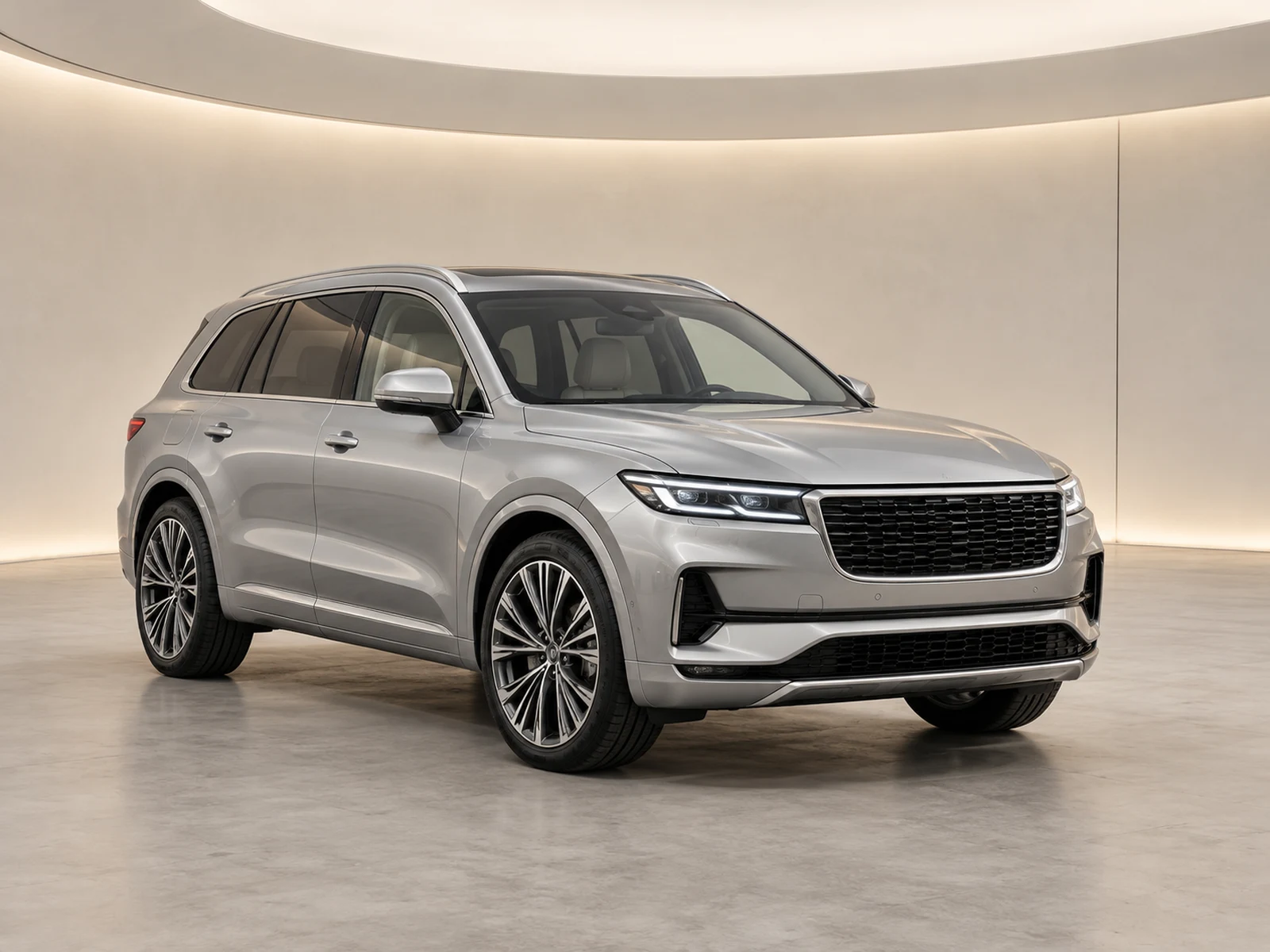
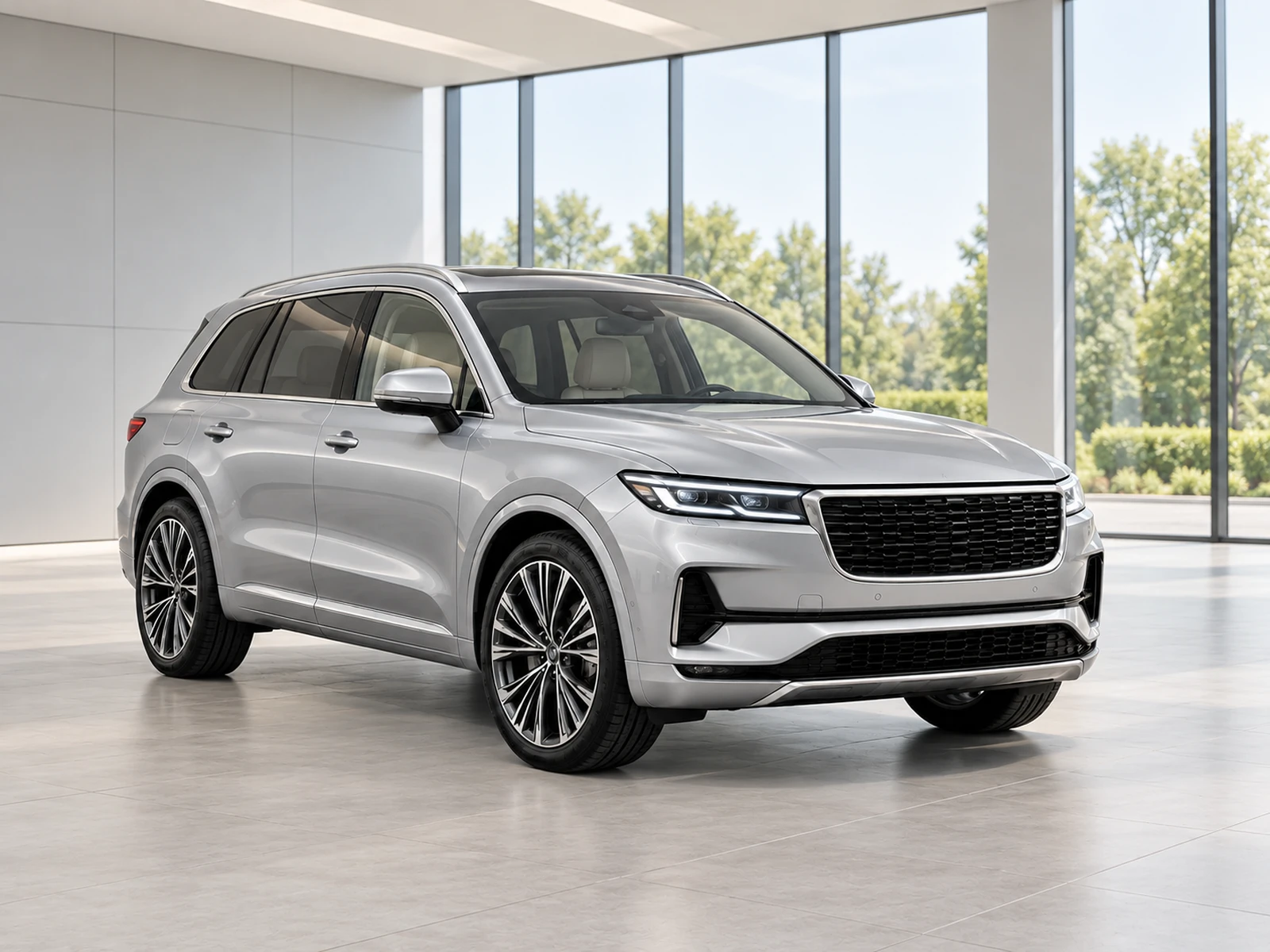
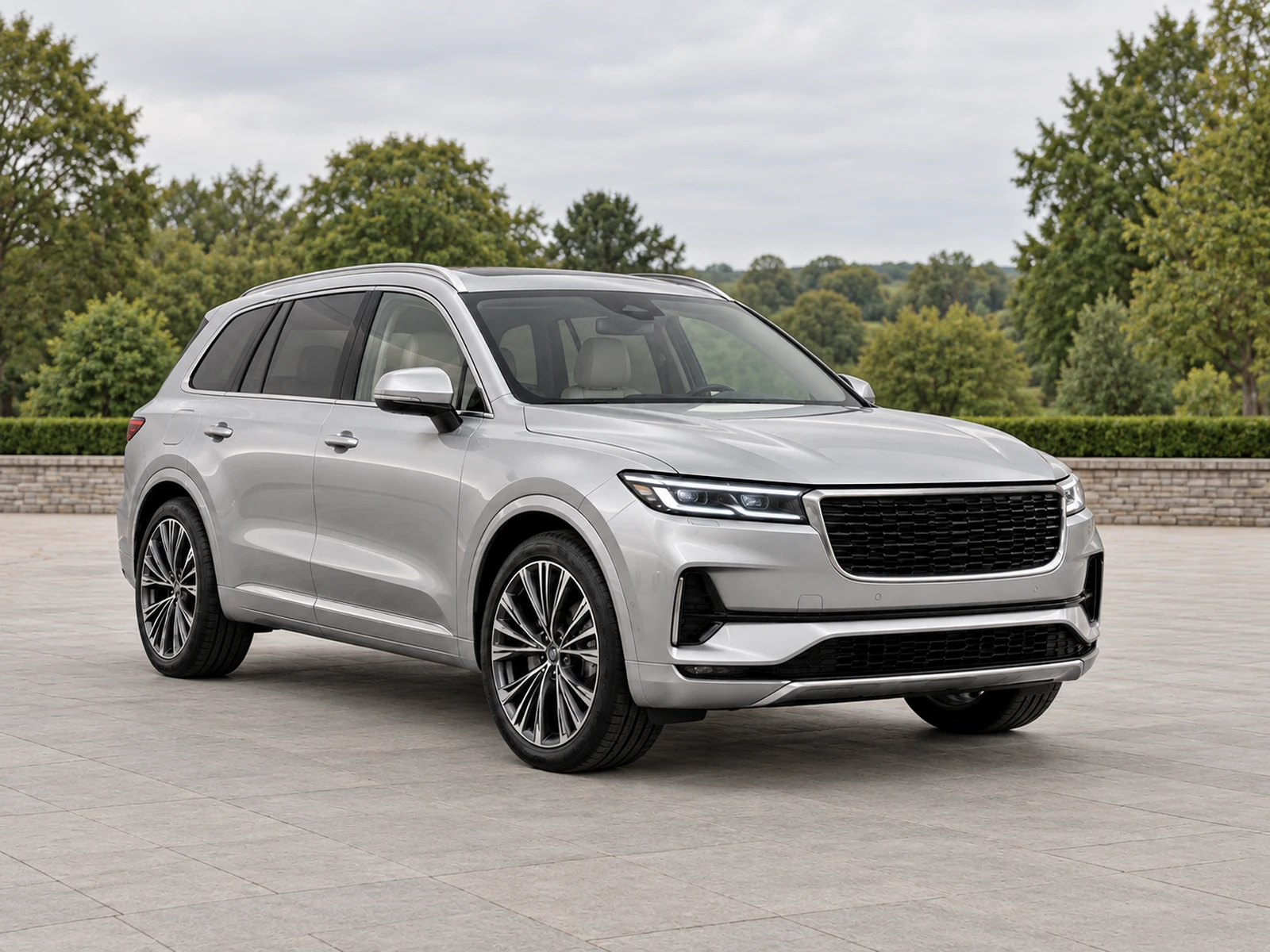
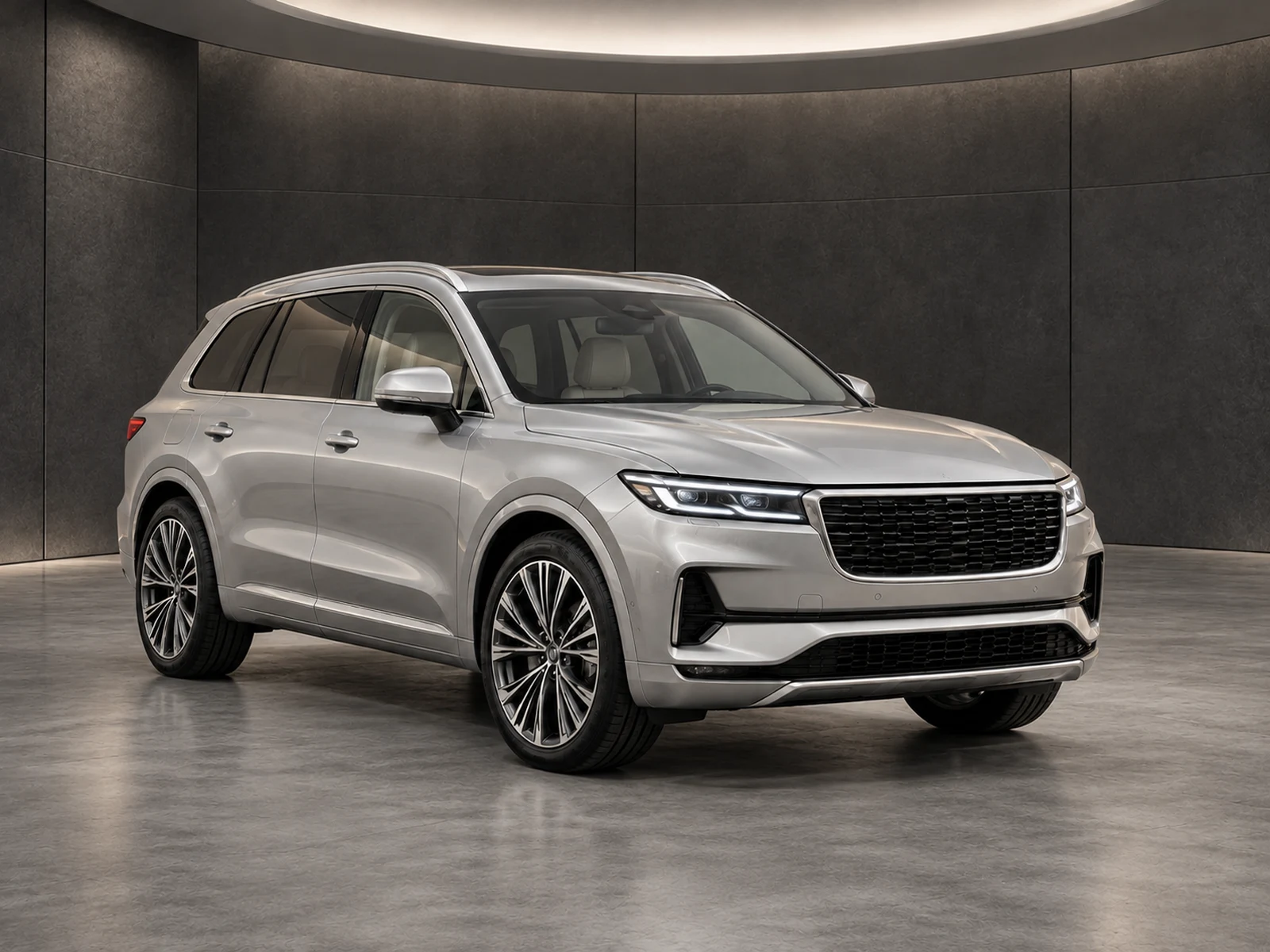
A crowded forecourt should not distract from the car you are selling. Create a cleaner setting around your own exterior photograph, then check the result before it becomes part of your listing.
20 backgroundsOriginals preservedReview before download
01
A cleaner backdrop for real stock.
Choose a studio, turntable or outdoor setting that suits your inventory. The starting point is your uploaded photograph, rather than an invented vehicle. Your original camera angle provides the reference for the edit.
Choose a clear source photo with the complete vehicle visible. Background replacement cannot provide reliable evidence of equipment, condition or bodywork that the photograph never captured.
02
One sample before the set.
Start with a representative exterior view. Compare paint, wheels, trim, badges and visible condition before approving the sample. That review gives your team a clear decision before spending credits on the remaining photographs.
If a result needs attention, request the included repair or reject it. Keep a record of the original alongside the result so another reviewer can understand the decision.
03
A consistent collection.
Once you approve the sample, prepare the remaining images using the saved setting. Each photograph keeps its own viewpoint; choosing a showroom does not turn one angle into a set of different views.
Download approved photos individually or as a ZIP. Publish through your usual dealer website or stock platform after checking its current image requirements.
WORK IT INTO YOUR DAY
From your camera roll to a reviewed photo set.
Upload clear exterior photographs for one vehicle.
Choose your background and framing, then generate one sample.
Compare the original and result at full size; approve or request a repair.
Prepare the remaining set and download only the photos you approve.
BEFORE YOUR FIRST SET
Your questions, answered.
Can I keep the original location?
Yes. Choose the original-location finish for restrained exposure and colour improvements while retaining the photographed setting.
Will it remove vehicle damage?
The workflow instructs the editor to preserve visible wear and damage. Review every result against the original before publishing.
Can I use this without TraderWay?
Yes. MotorBackdrop has independent accounts and vehicle projects, and exports photos for use with your existing systems.